K110sm8e1.doc
8-6
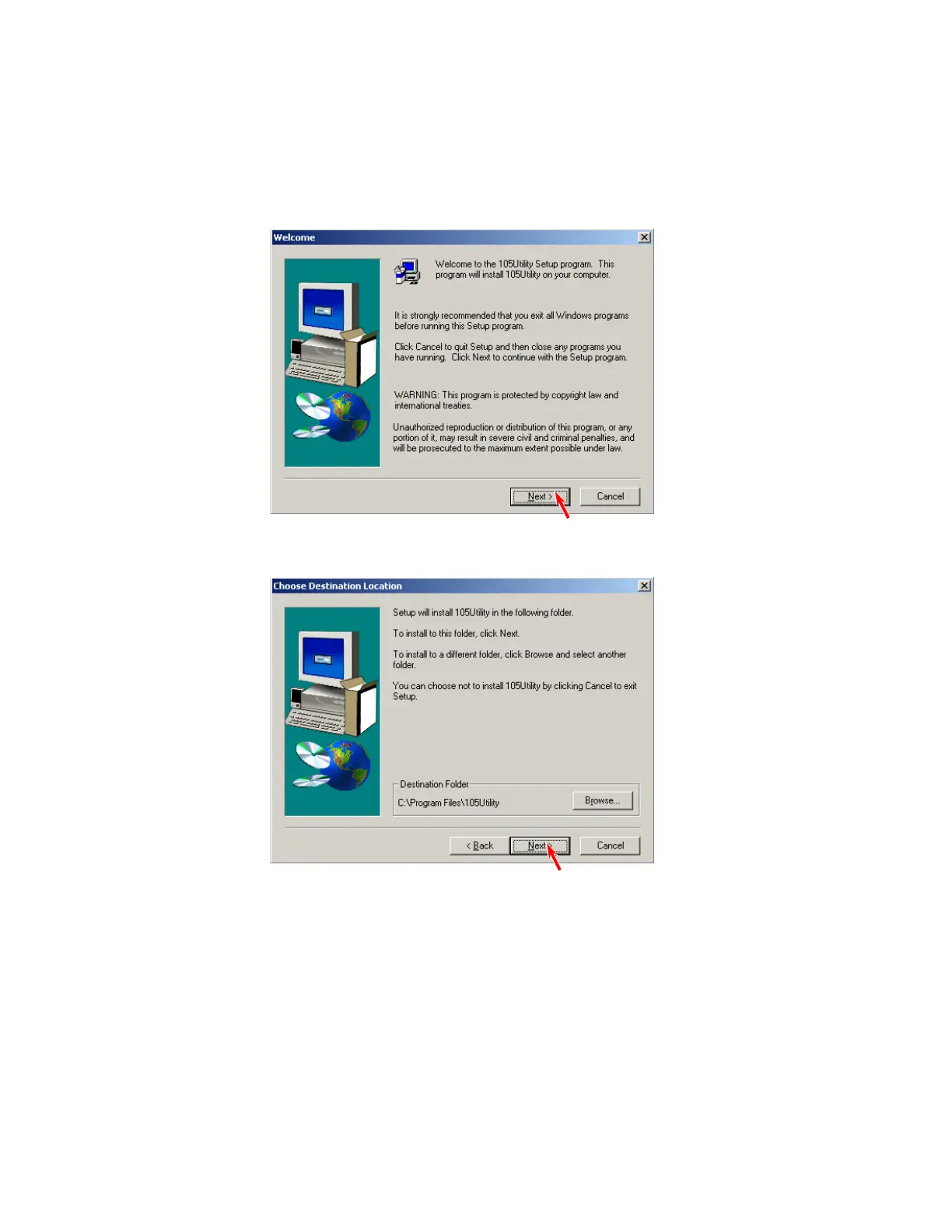
8. 1. 2 Installing Utility Software
1. Set the Installation Disk to your optical disk Drive
Run SETUP.EXE which is in the folder “DISK1”.
(“Drivers – Scanner Utility / Utility Service Program” folder in Tech CD)
2. The Setup Program starts.
Click [Next].
3. The destination of the software can be changed. Click [Next].



 To Next Page