K110sm8e3.doc
8-34
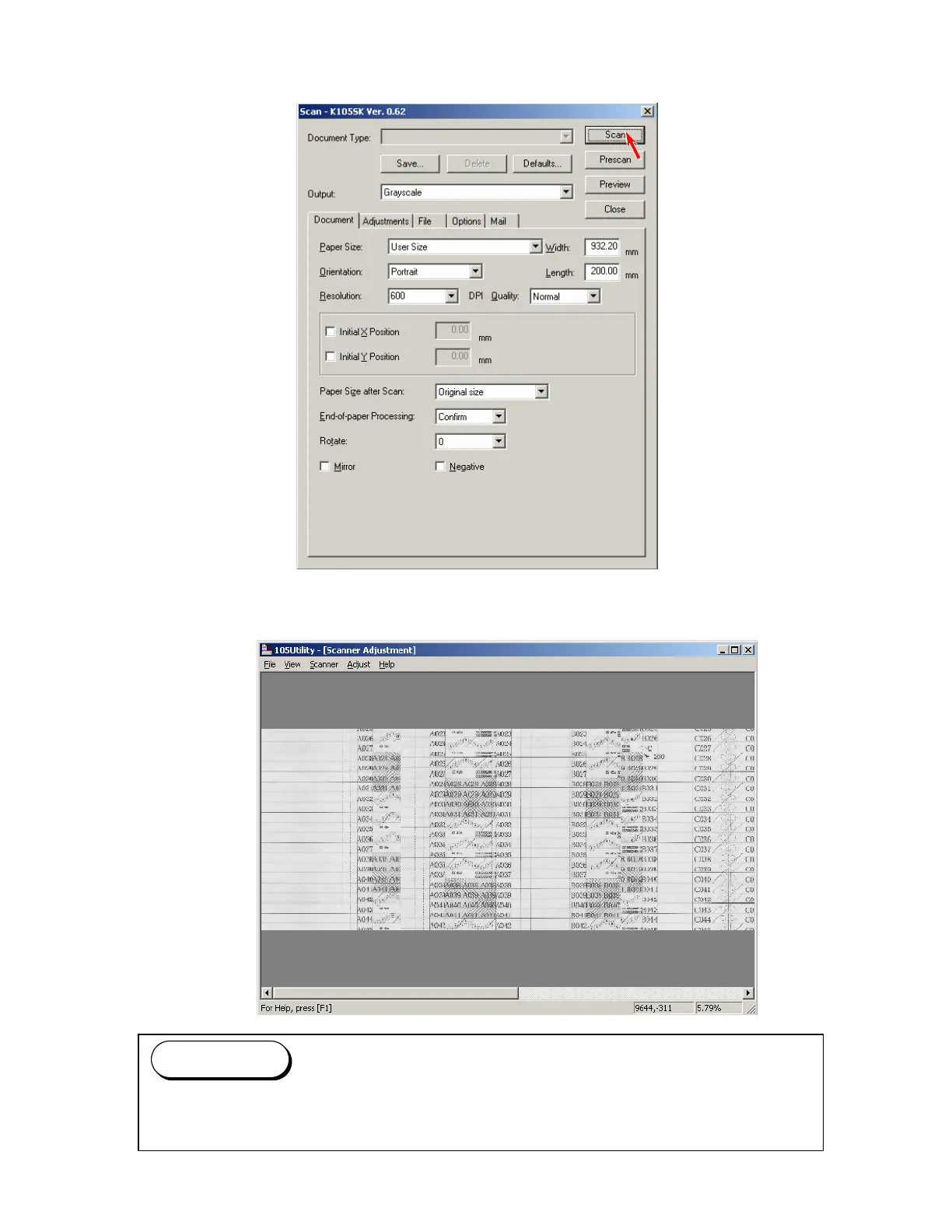
7. A dialog to specify the scan settings is indicated.
Simply click [Scan] to scan the Target Sheet.
(You do not have to change any setting this time.)
8. The scan image of the Target Sheet is displayed on Utility Software.
You can enlarge the scan image by dragging with the right button of mouse.
Press the F2 Key when you would like to go back to the reduced image.
Reference



 To Next Page