K110sm8e3.doc
8-40
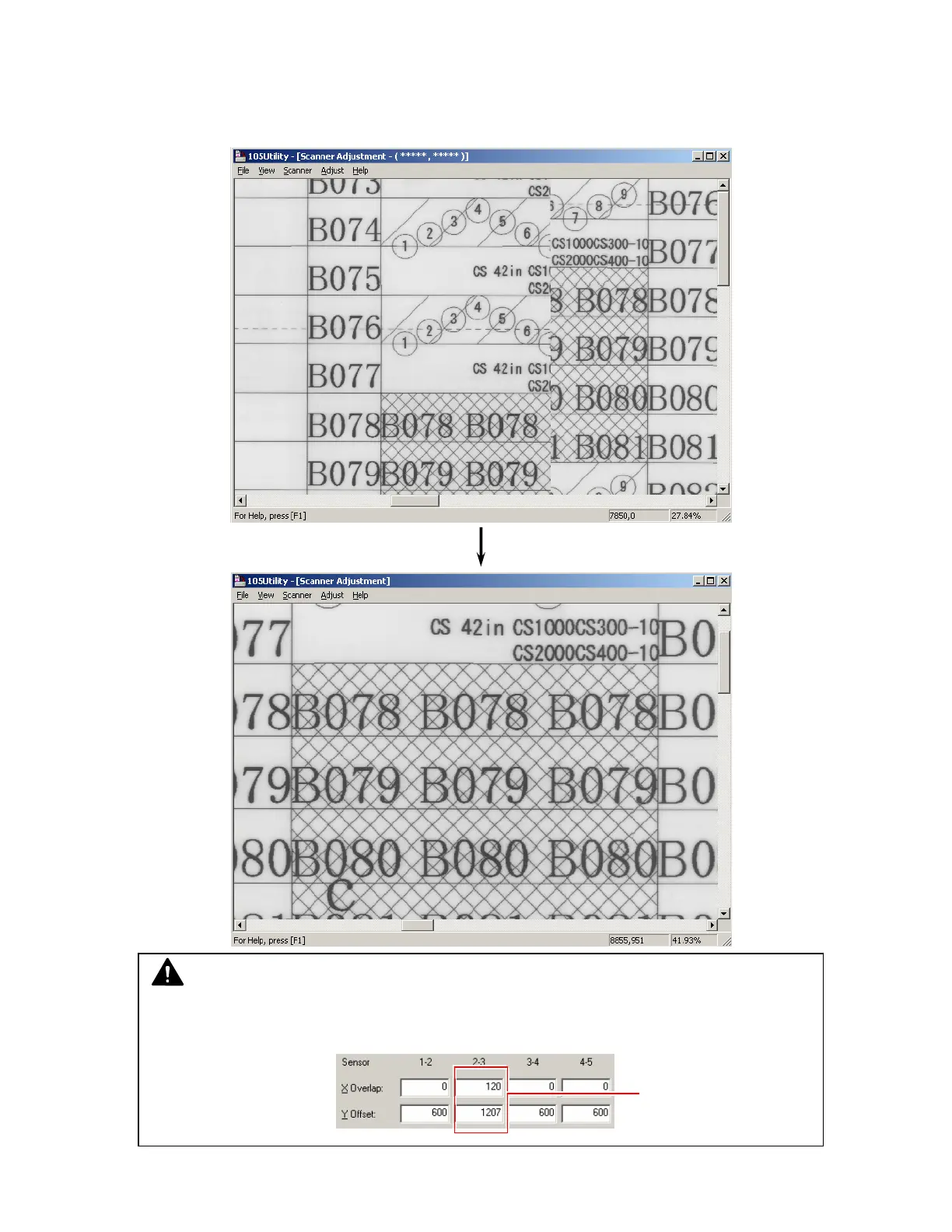
16. After deciding the new setting value, please scan the Target Sheet again and check the
concerning border of Image Blocks.
Confirm that the “vertical gap of image” and “duplication of image” are removed.
(Before adjustment)
(After adjustment)
NOTE
If the scan image still has small “vertical gap” or “duplication”, change the setting value little
by little with the key board.
Change the value
with key board.



 To Next Page