K110sm2e1.doc
2-7
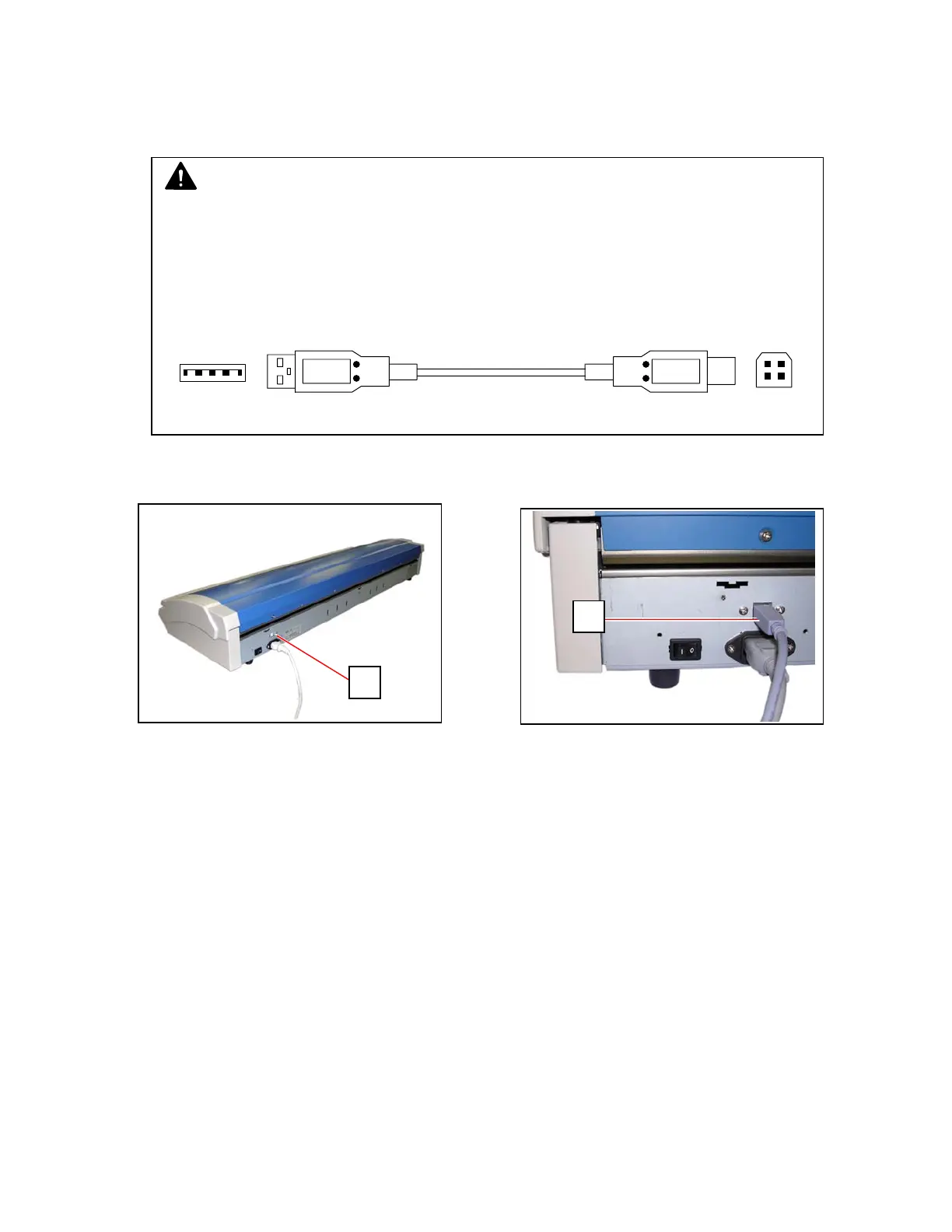
2. 5 Connecting USB Cable
The KIP 600 should be connected with a supported KIP printer through a USB cable for any
operation. Use the accessory USB cable for this.
1. Connect the Type B connector (1) to USB Terminal (2) on the rear.
2. Connect the Type A connector to the USB Terminal on a KIP printer.
NOTE
You can purchase another USB Cable separately.
Make sure that the cable satisfies the following specifications.
• USB 2.0
• High-speed data transfer
• Shielded
• Shorter than 3 meters
Printer side: Type A male Scanner side: Type B male
1
2



 To Next Page