K110sm6e1.doc
6-2
6. 1 Cleaning
6. 1. 1 Scan Glass, Drive Roller and Guide Plate
If Scan Glasses, Drive Rollers or Guide Plates get dusty, it may result in a poor scan image.
Cleaning once a week (or as needed).
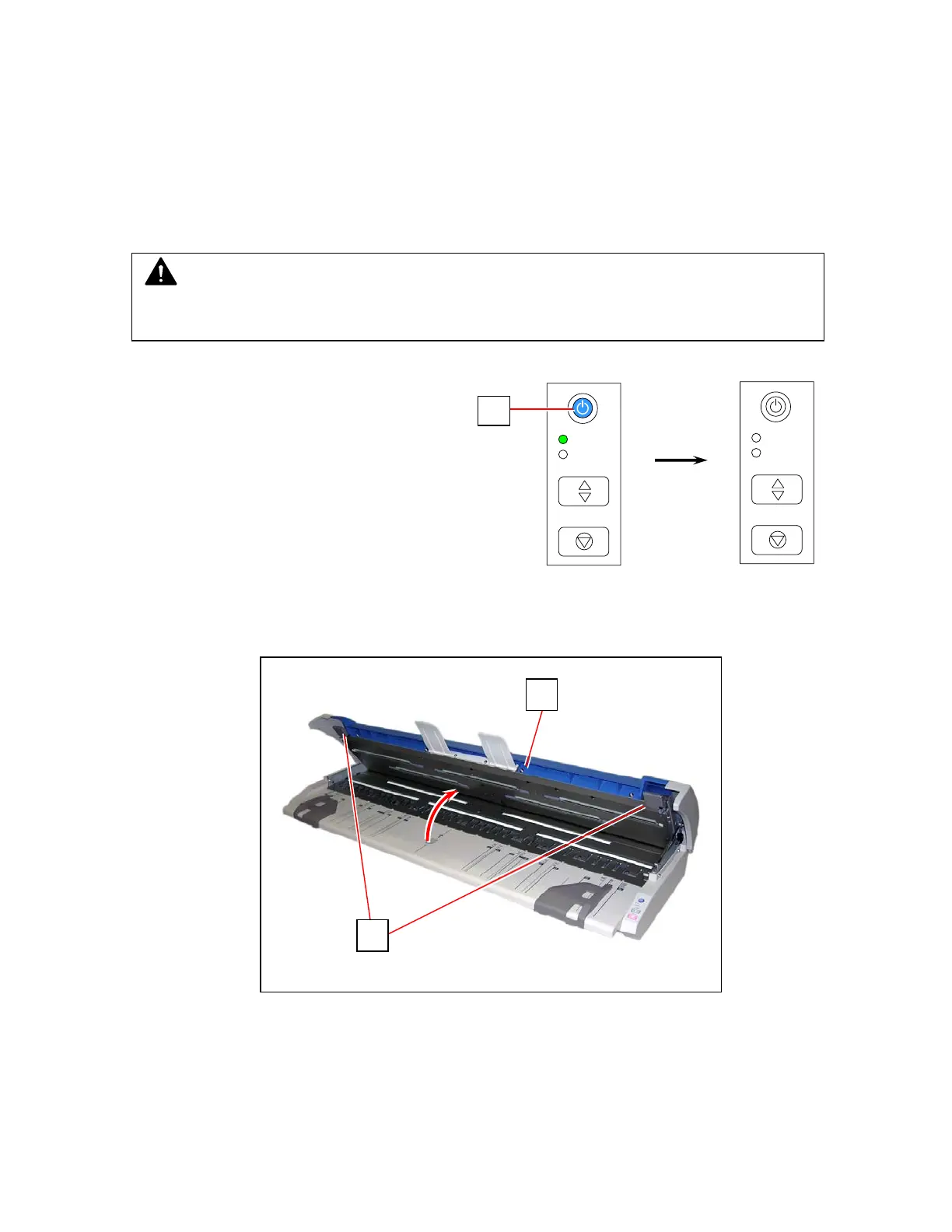
1. Press the Power Button to turn off the KIP 600 (1).
2. Pull Levers (2) up to open Top Cover (3).
ERROR
EJECT
STOP
READY
1
CAUTION
Be careful not to catch a finger in Upper Unit.
ERROR
EJECT
STOP
READY
3
2



 To Next Page