K110sm1e1.doc
1-6
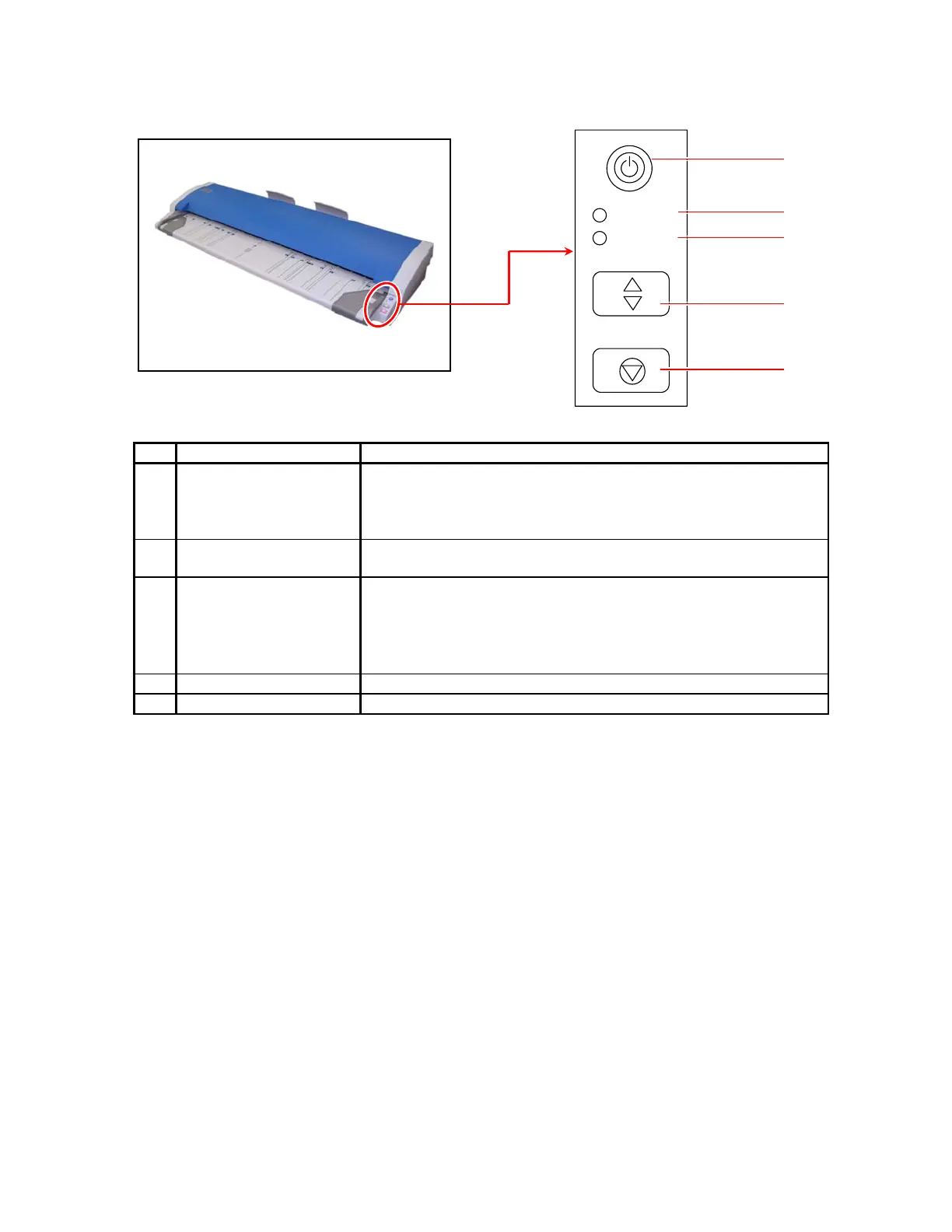
1. 3. 3 Operation Panel
No. Part Name Function
1 Power Button Turns the KIP 600 on / off.
Lighting: turned on
Not lighting: turned off
Blinking: on Power Saving Mode
2 READY LED Lighting: ready to scan
Not lighting: ready to start scanning the placed original
3 ERROR LED Lighting: some significant errors may occur
Blinking:
• an original is left on the KIP 600’s startup
• the STOP key is pressed during scan
• an original is misfed
4 EJECT Key Ejects the original.
5 STOP Key Stops the original during scan.
READY
ERROR
EJECT
STOP
1
2
3
4
5



 To Next Page