K110sm8e2.doc
8-14
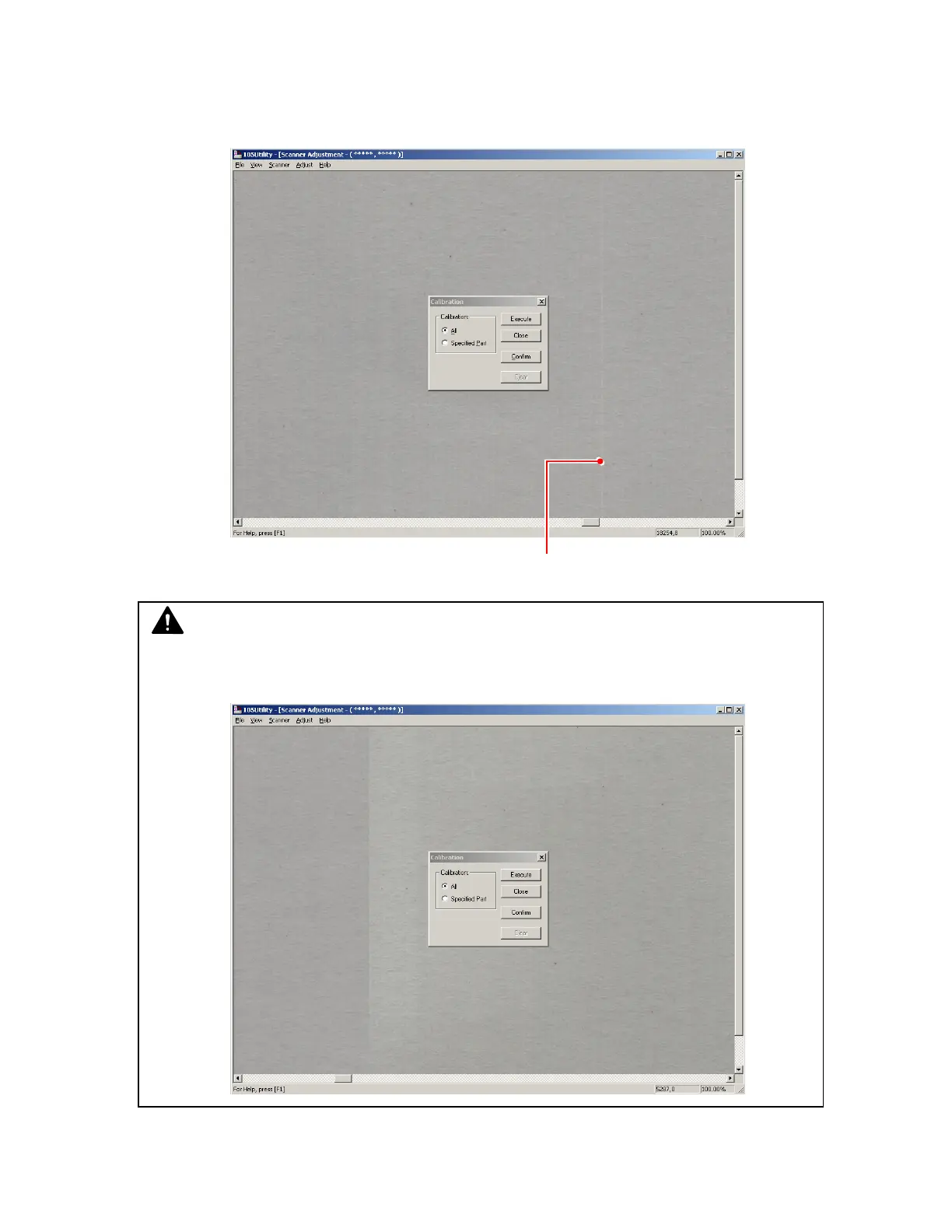
9. Scrolling the image horizontally, check whether the density is even or not.
If the density is even at every place, finish the Calibration clicking [Close].
There may be some place of which density is different from others as the following image.
As this pixel is “defective”, it is necessary to calibrate it individually in the next step.
Defective pixel
NOTE
Sometimes the density may be different between left and right as the following image.
This is not a problem but it is just the border of image blocks.



 To Next Page