March 29th
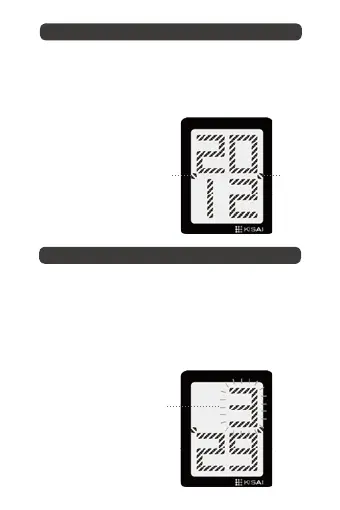
The month digits will flash when you are in month
setting mode.
The month is displayed in the same position as the hour.
Swipe your finger from button C to B to increase the month or
from button B to C to decrease the month as required.
3UHVVbutton A to confirm and move to the date.
The year digits will flash when you are in year setting mode.
Swipe your finger from button C to B increase the year as
required or from button B to C to decrease the year as required.
3UHVVbutton A to confirm and move to the month.
II. Setting the month
I. Setting the year
digits flashing
date
indicator
date
indicator


 To Next Page