2. Choose the setting that matches the jumper setting (RS-485/MODBUS or KM/RS-422), click Update
3. Choose Manually Add Devices
4. Locate each serial address block (reference record table if required), click SCAN
5. Click continue. Repeat until all devices have been successfully added
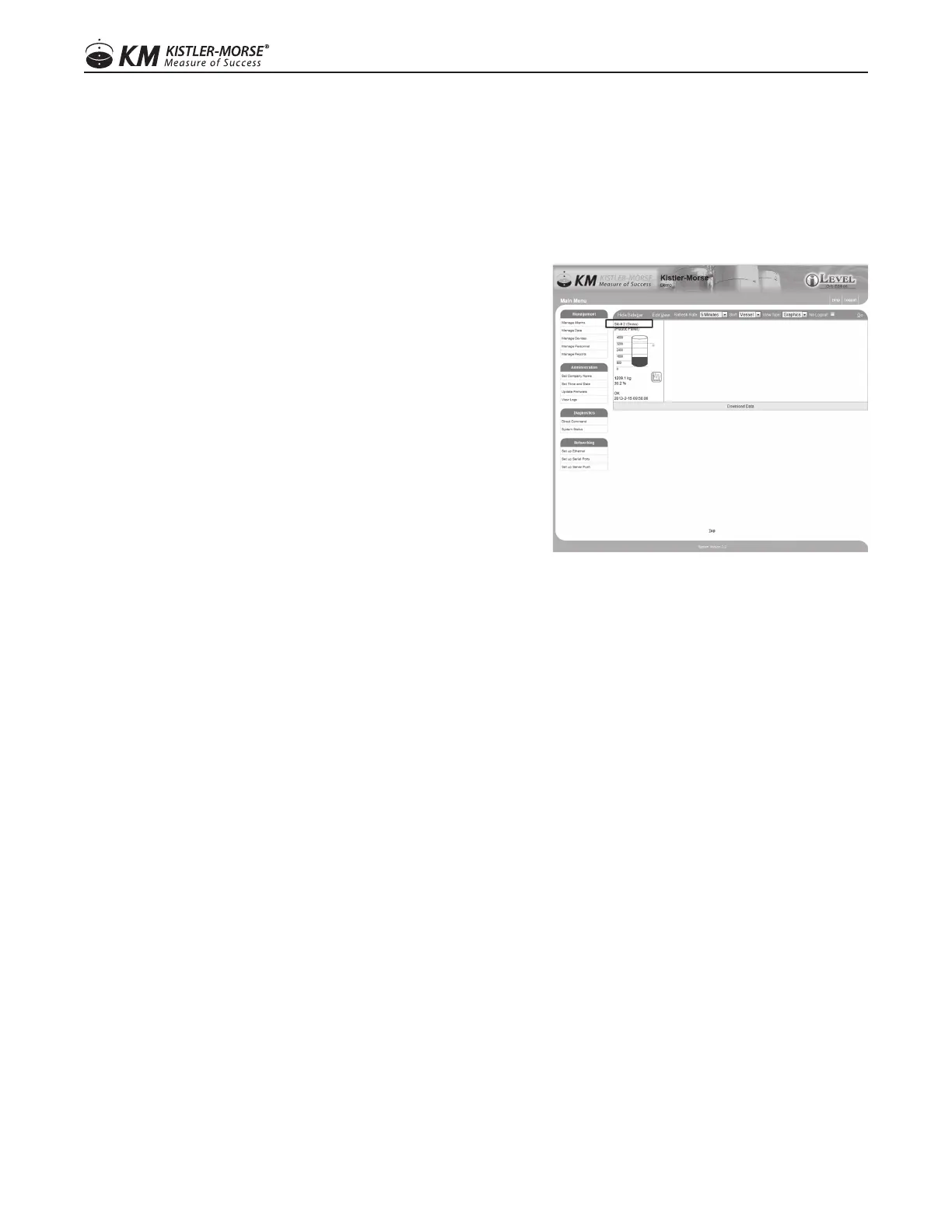
TO EDIT THE SETTINGS OF EACH INDIVIDUAL VESSEL
Click the hyperlink above the image (See screen shot)
1. Updatethefollowingelds,asneeded
a. VesselIdentier
b. Vessel contents (Optional)
c. Color, shown on the main home screen of the ORB
d. Vessel shape
e. Maximum Capacity
f. Minimum Capacity
2. Click Update
TO SET A STRAPPING TABLE
Click the hyperlink above the image
1. Choose Edit Strapping Table
2. InsertInputdata;uncorrecteddatafromthedevice,customerspecied
3. InsertOutputdata;correcteddatafromthedevice,customerspecied
4. Click Update
This is an advanced feature of the ORB set up. It is often used when a user wishes to set the tank parameters in
a particular way when determining levels.
TO SET ALARMS ON EACH VESSEL
Choose MANAGEMENT TAB\MANAGE ALARMS
1. Choose Manage Alarms
2. Click on the vessel that needs adjusted
3. Updateeldsasrequired
a. Trigger–dene
b. Management type
c. Deadband
d. Display type
e. Title
f. Message Emailed
g. Email Addresses
1414
97-1167-01 Rev. J
www.kistlermorse.com



 To Next Page