11 | Page
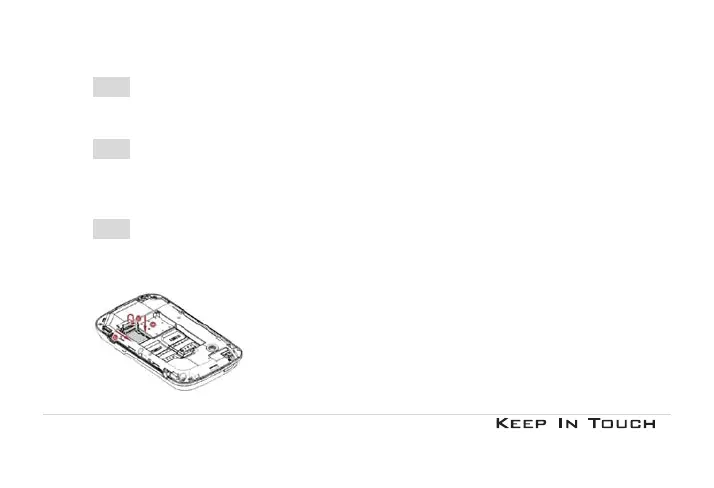
2.1.2 Insert the SIM card
Make sure that the metallic contacts are facing downwards.
Insert the SIM card into SIM1 slot or into SIM2 slot or both.
2.1.3 Install the battery
With the metallic contacts of the battery facing the metallic contacts in the battery slot, press the battery
down into its slot until it locks into place.
2.1.4 Insert a T-Flash Card (Optional)
Lift up the T-Flash card cover, with the metal contacts facing down, gently slide the T-Flash card into the slot.
Press and push the cover to lock it. “Lock” will prompt you in the correct direction.



 To Next Page