14 | Page
2.5 Callback Services
2.5.1 Quick Start
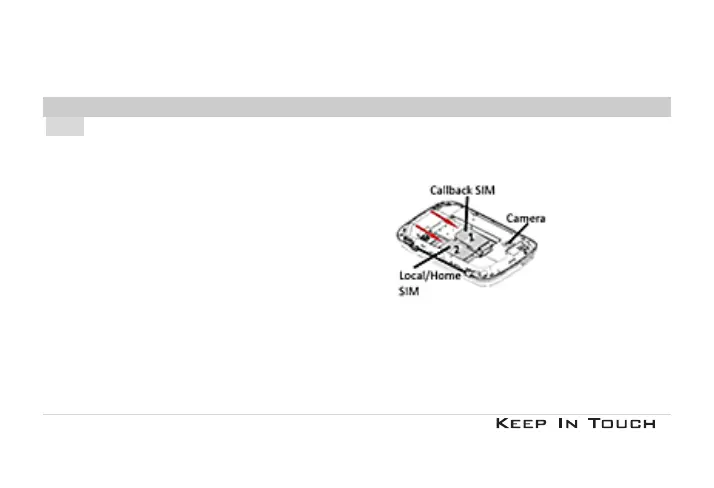
The Callback SIM card has to be inserted in SIM 1 slot. The SIM 2 slot can be used for a ‘local’ or a ‘home’ SIM card.
1. Insert the Callback SIM Card into SIM 1 slot
2. Power on the mobile phone; when prompt then enter the digit 1 (Global Profile) and the PIN e.g. 1XXXX. The
SIM 4 digits PIN XXXX is provided on the SIM card.
From the next power on, the mobile phone will automatically select the optimal SIM profile, depending on your
location.



 To Next Page