-5-
Start button: Once you’ve selected the desired vacuum sealing
method using the Mode button, press Start to begin operations
of the vacuum sealer.
Status LED: The status LED indicator notifies you of the current
working status of the vacuum sealer:
• ON: Vacuum
• Flashing: Sealing
• OFF: Standby
Vacuum pulsing: If you want to use a short burst of vacuum, for example for
smaller bags or very delicate items, and manually control the vacuuming
process, you can use the vacuum pulsing feature.
To begin vacuum pulsing:
1. Place the machine in Vac mode using the Mode button.
2. Begin vacuum pulsing by pressing Start continuously for at least three
seconds. The vacuum sealer will begin vacuuming.
3. Pick up your finger from the Start button to immediately stop vacuuming.
After the button has been released for three seconds, the machine will
automatically begin the sealing process of your bag.
Vacuum pulsing is suitable for vacuuming soft foods.
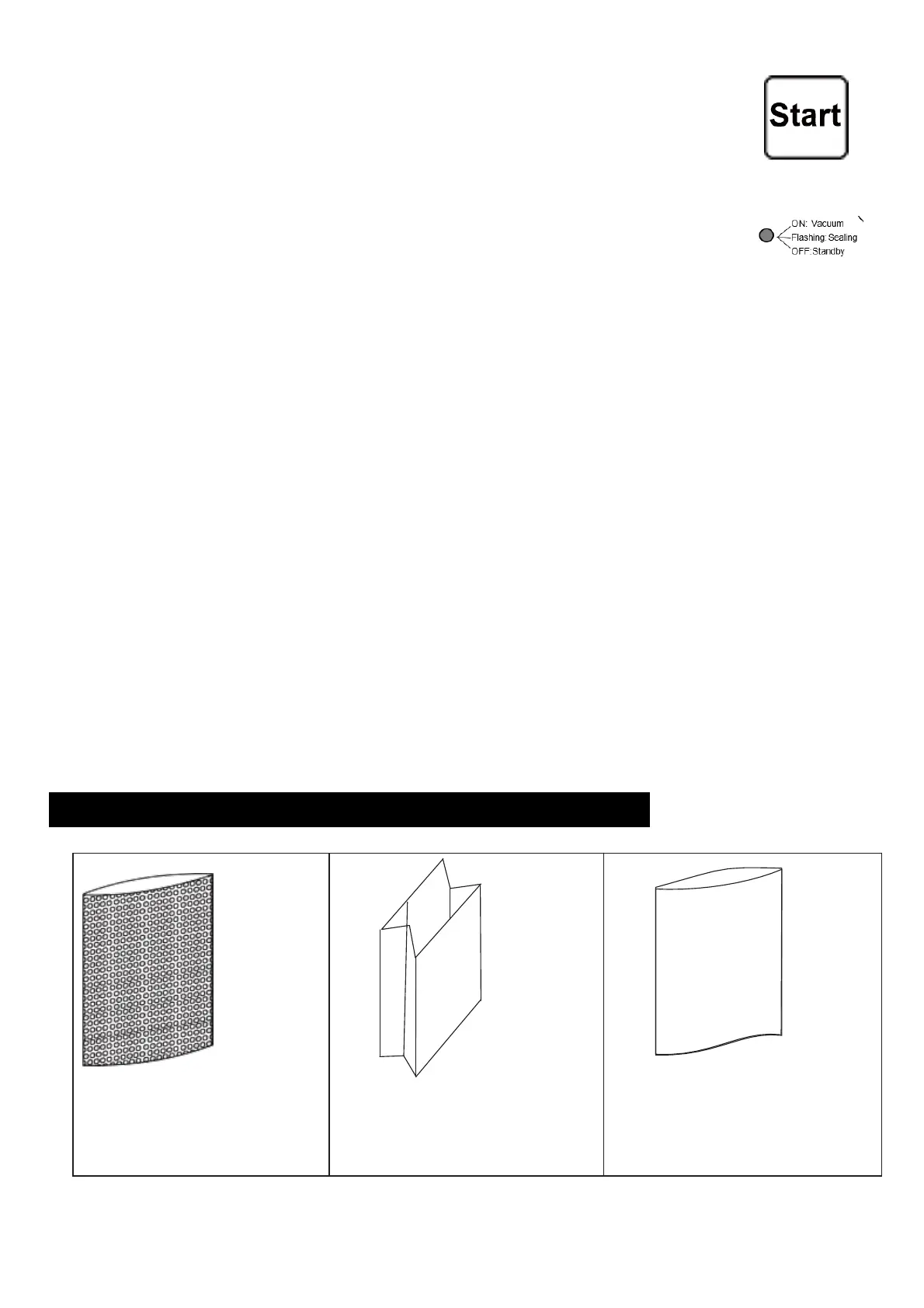
Vacuum sealing with special plastic bags
Textured plastic or


 To Next Page