
 To Next Page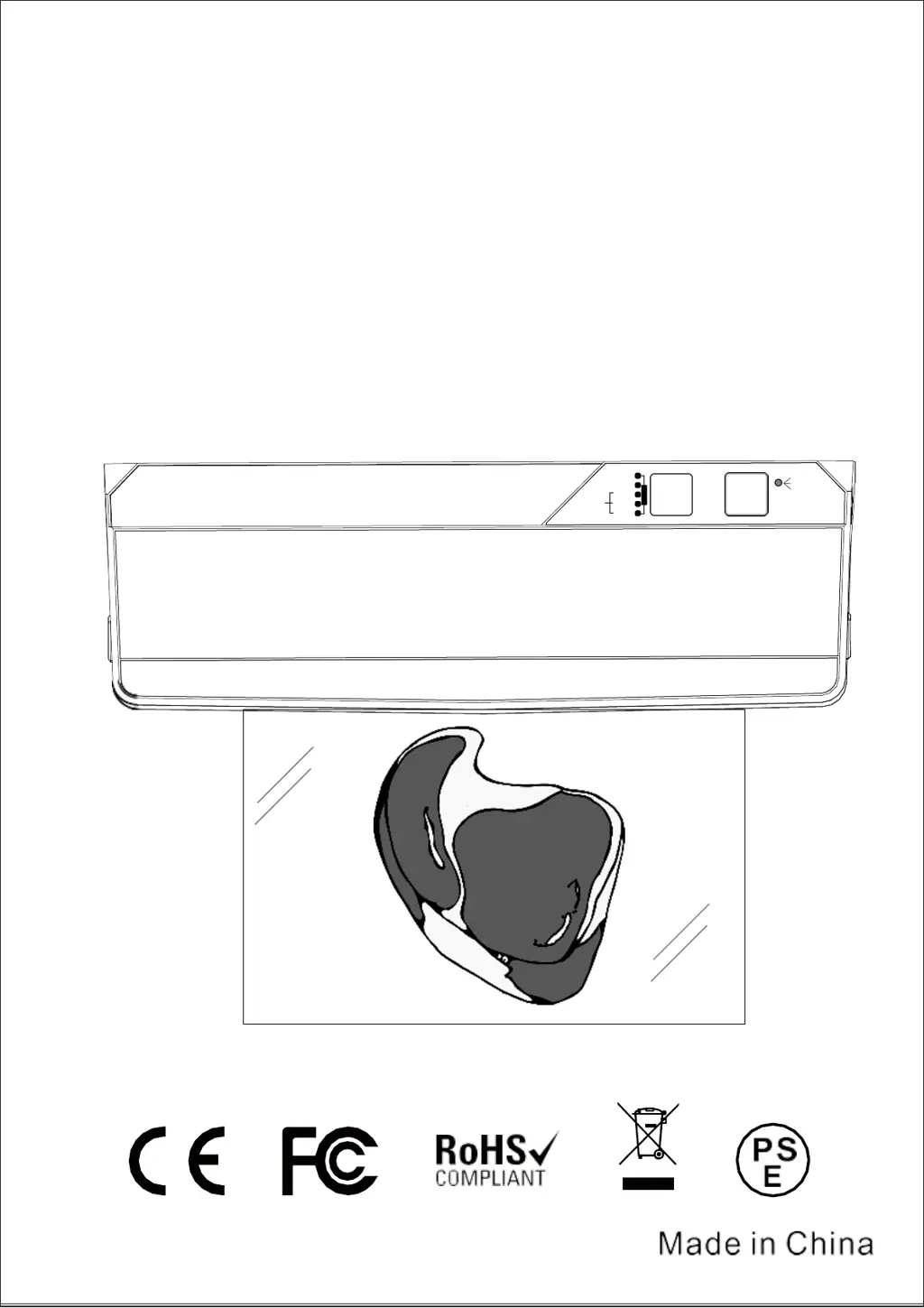
A
Amanda LeeAug 5, 2025
Why do Kitchen HQ AP-14 plastic bags leak air after vacuum packaging?
- Mmichael57Aug 5, 2025
Air leakage in plastic bags after vacuum packaging can occur due to several reasons. Sharp objects within the bag may puncture it; in this case, remove the sharp objects and replace the bag. The bag itself might have leaks, necessitating a replacement. Also, liquid in the bag being sucked out during vacuuming can compromise the seal. Avoid vacuuming liquid foods, and use the appropriate mode when vacuuming meat.
 General