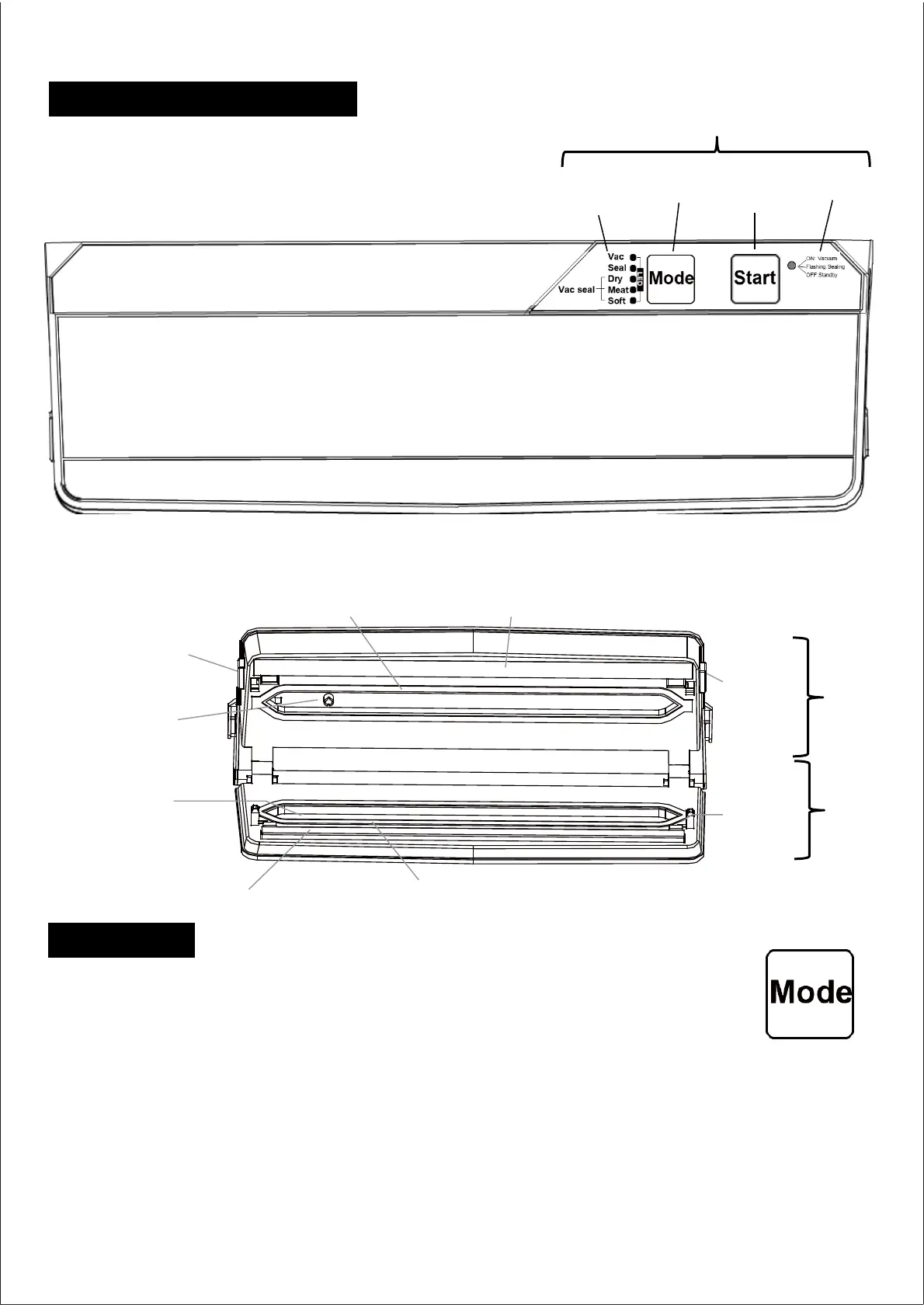
Upper sealingring Heating wire
Right upper
coverbutton
Left upper
coverbutton
Vacuum
suctionport
Vacuum
drip tank
Lower sealingring
Heat sealing strip
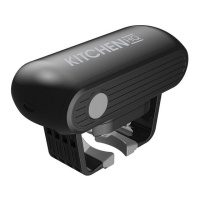
Plasticbag
fixing card
Mode button: Press Mode to toggle through the various options
for vacuum sealing:
• Vac: This mode is for vacuuming only without sealing the bag.
• Seal: Use this mode to seal a bag without vacuuming out the air first.
• The three Vacuum Sealing options:
• Dry: For vacuum sealing dry foods
• Meat: For vacuum sealing meat and fish
• Soft: For vacuum sealing soft foods.
-4-
Raised cover and base
Functions
Product components
Top cover
Control panel
Start button
Status LED
Mode LED
Mode button
Raised
cover
Base
Kitchen HQ Vacuum Sealer User Manual


 To Next Page