8
Problem Solution
If Stand Mixer warms up during
use:
Under heavy loads with extended mixing time periods, you
may not be able to comfortably touch the top of the Stand
Mixer. This is normal.
If Stand Mixer emits a pungent
odour during initial use:
This is normal. This is common with electric motors.
If the Flat Beater hits the Bowl:
Stop the Stand Mixer. See the “Product Assembly” section
and adjust the Beater to Bowl Clearance.
If the Speed Control Lever does
not move smoothly or easily:
To move the Speed Control Lever with ease, lift slightly up as
you move it across the settings in either direction.
If your Stand should fail to
operate, please check the
following:
Is the Stand Mixer plugged in?
Is the fuse in the circuit to the Stand Mixer in working order?
If you have a circuit breaker box, be sure the circuit is closed.
Turn off the Stand Mixer for 10-15 seconds, then turn it back
on. If the Stand Mixer still does not start, allow it to cool for
30 minutes before turning it back on.
If product shuts off after
extensive use:
Motor has automatic sensor that will keep motor from
overheating by shutting it off. If this occurs, turn speed
switch to Off and let Stand Mixer rest for 30 minutes before
restarting.
If the problem cannot be
corrected:
See the “Warranty and Service” section. Do not return the
Stand Mixer to the retailer; retailers do not provide service.
If mixer is slowing down or
appearing to struggle:
Are you using the appropriate beater and speed? See
“Accessory/Speed Guide” for more info. Using Fold Speed or
Speed 1 for bread doughs might slow down the unit. Breads
should knead with the dough hook at Speed 2.
©2022 All rights reserved.
KITCHENAID and the design of the stand mixer are trademarks in the U.S. and elsewhere.
TROUBLESHOOTING GUIDE
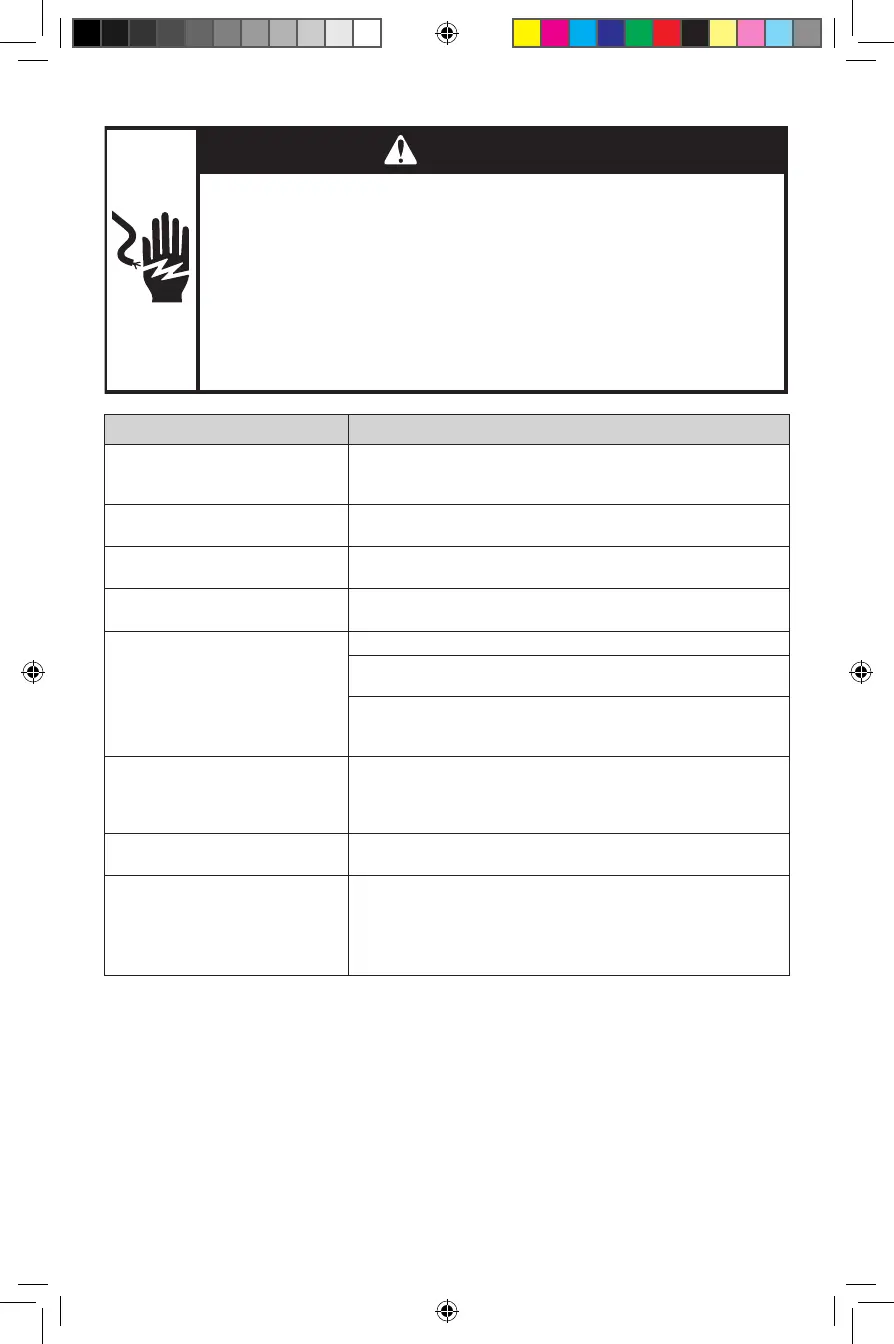
WARNING
Electrical Shock Hazard
Plug into an earthed outlet.
Do not remove an earth prong.
Do not use an adapter.
Do not use an extension cord.
Failure to follow these instructions can result in death, fire,
or electrical shock.
W11556523B.indb 8W11556523B.indb 8 8/18/2022 11:34:28 AM8/18/2022 11:34:28 AM



 To Next Page