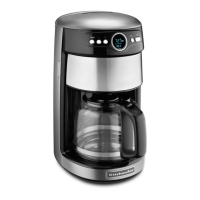
Display and Control Pad Features
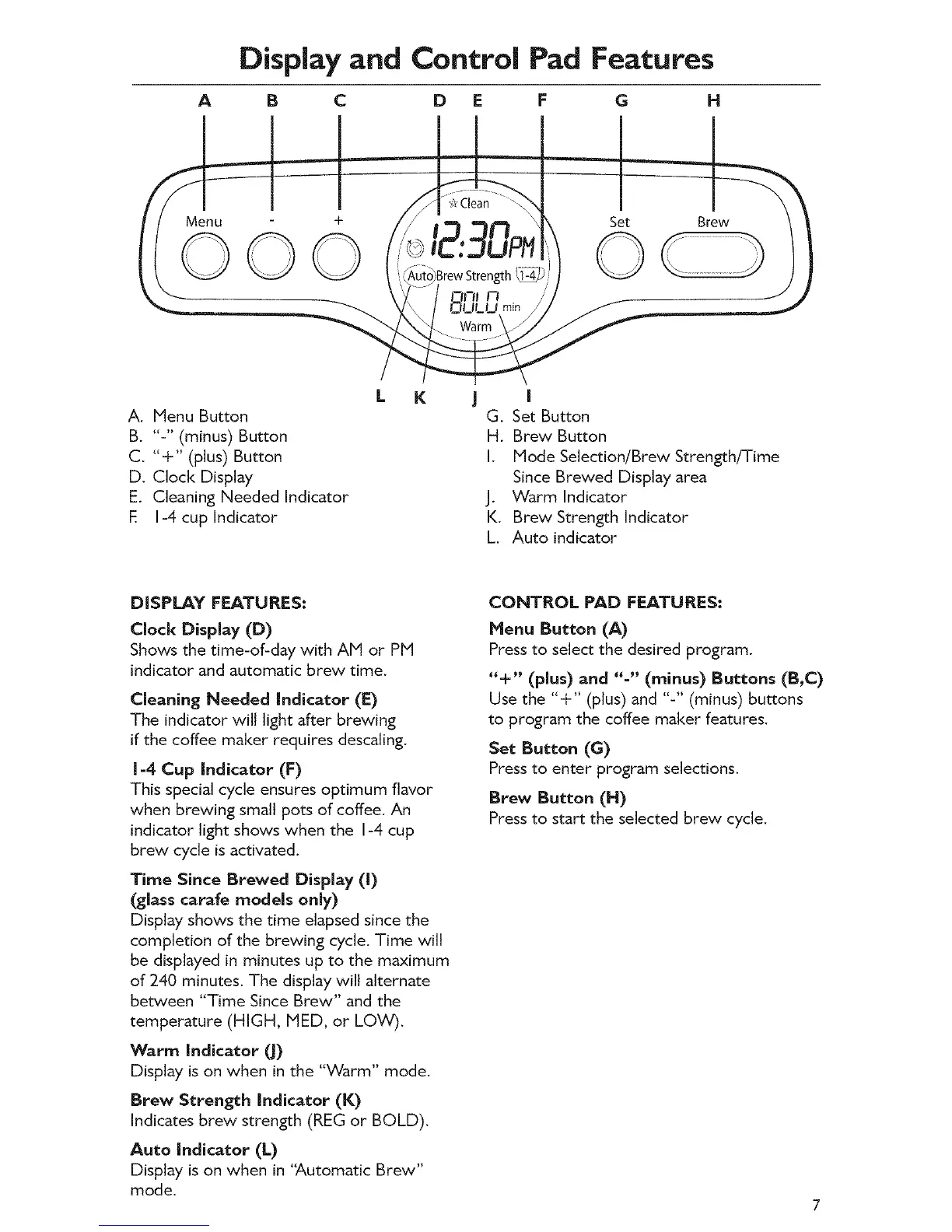
A B C D E F G N
Menu
©©
Set Brew
rewStrength_i _ _
L K | I
A. Menu Button G. Set Button
B. "-" (minus) Button H. Brew Button
C. "+" (plus) Button I. Mode Selection/Brew Strength/Time
D. Clock Display Since Brewed Display area
E. Cleaning Needed Indicator J. Warm Indicator
E I-4 cup Indicator K. Brew Strength Indicator
L. Auto indicator
DISPLAY FEATURES:
Clock Display (D)
Shows the time-of-day with AM or PM
indicator and automatic brew time.
Cleaning Needed Indicator (E)
The indicator will light after brewing
if the coffee maker requires descaling.
1-4 Cup Indicator (F)
This special cycle ensures optimum flavor
when brewing small pots of coffee. An
indicator light shows when the I-4 cup
brew cycle is activated.
Time Since Brewed Display (l)
(glass carafe models only)
Display shows the time elapsed since the
completion of the brewing cycle. Time wilt
be displayed in minutes up to the maximum
of 240 minutes. The display will alternate
between "Time Since Brew" and the
temperature (HIGH, IVIED, or LOW).
Warm Indicator _J)
Display is on when in the "Warm" mode.
Brew Strength Indicator (K)
Indicates brew strength (REG or BOLD).
Auto Indicator (L)
Display is on when in 'Automatic Brew"
mode.
CONTROL PAD FEATURES:
Henu Button (A)
Press to select the desired program.
"+" (plus) and "-" (minus) Buttons (B,C)
Use the "+" (plus) and "-" (minus) buttons
to program the coffee maker features.
Set Button (G)
Press to enter program selections.
Brew Button (N)
Press to start the selected brew cycle.









 To Next Page