,sing and Caring for Your Oven
......' i:!iii:ii:ii_ii!!ii:iii_ii!:iii!iiilil!ii_
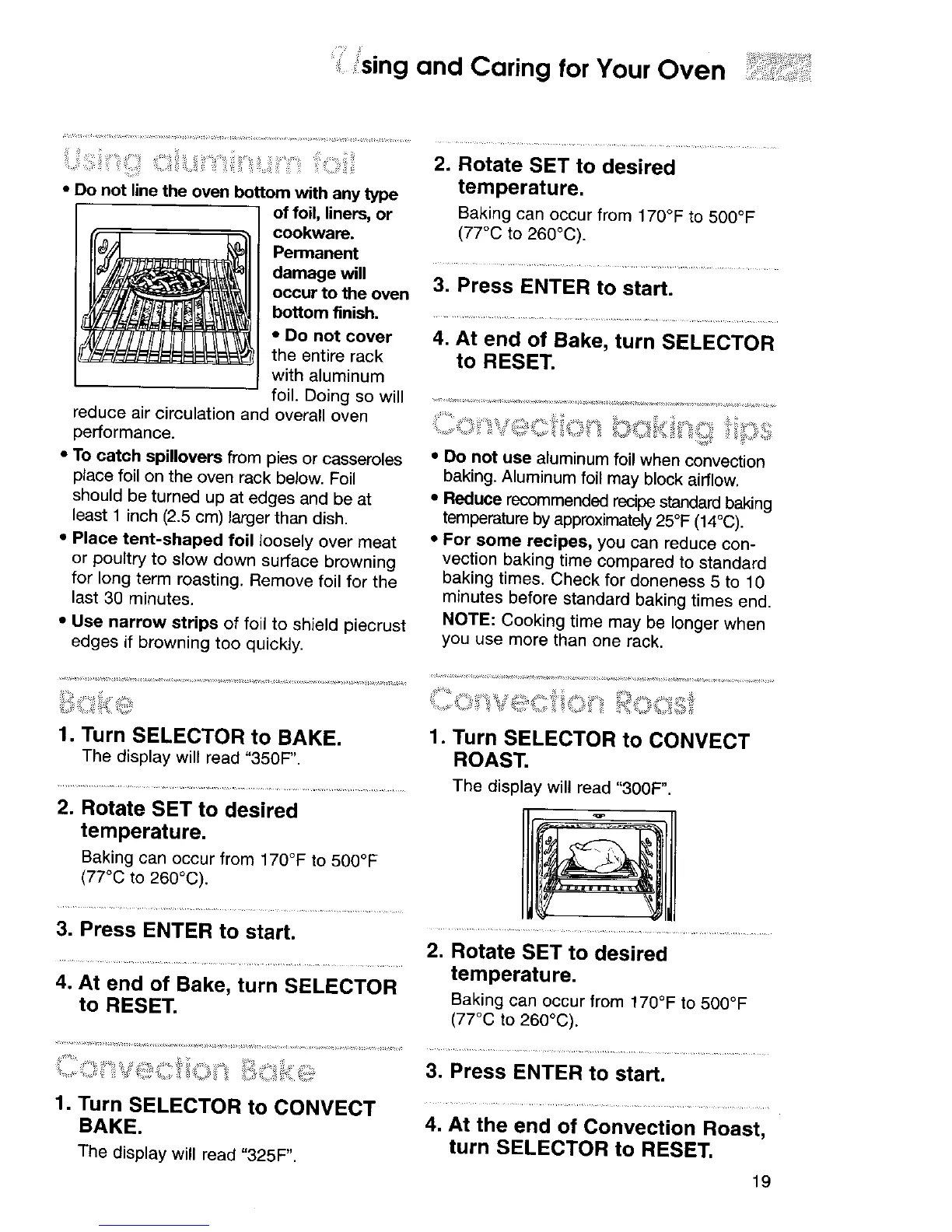
• Do not line the oven bottom with any type
of foil, liners, or
cookware.
Permanent
damage will
occur to the oven
bottom finish.
2. Rotate SET to desired
temperature.
Baking can occur from 170°F to 500°F
(77°C to 260°C).
3. Press ENTER to start.
• Do not cover
the entire rack
with aluminum
foil. Doing so will
reduce air circulation and overall oven
performance.
• To catch spillovers from pies or casseroles
place foil on the oven rack below. Foil
should be turned up at edges and be at
least 1 inch (2.5 cm) larger than dish.
• Place tent-shaped foil loosely over meat
or poultry to slow down surface browning
for long term roasting. Remove foil for the
last 30 minutes.
• Use narrow strips of foil to shield piecrust
edges if browning too quickly.
4. At end of Bake, turn SELECTOR
to RESET.
• Do not use aluminum foil when convection
baking. Aluminum foil may block airflow.
• Reduce recommended recipe standard baking
temperature by approximately 25°F (14°C).
• For some recipes, you can reduce con-
vection baking time compared to standard
baking times. Check for doneness 5 to 10
minutes before standard baking times end.
NOTE: Cooking time may be longer when
you use more than one rack.
1. Turn SELECTOR to BAKE.
The display will read "350F".
2. Rotate SET to desired
temperature.
Baking can occur from 170°F to 500°F
(77°C to 260°C).
1. Turn SELECTOR to CONVECT
ROAST.
The display will read "300F".
3. Press ENTER to start.
4. At end of Bake, turn SELECTOR
to RESET.
2. Rotate SET to desired
temperature.
Baking can occur from 170°F to 500°F
(77°C to 260°C).
.............. 3. Press ENTER to start.
1. Turn SELECTOR to CONVECT
BAKE.
The display will read "325F".
4. At the end of Convection Roast,
turn SELECTOR to RESET.
19




 To Next Page