20
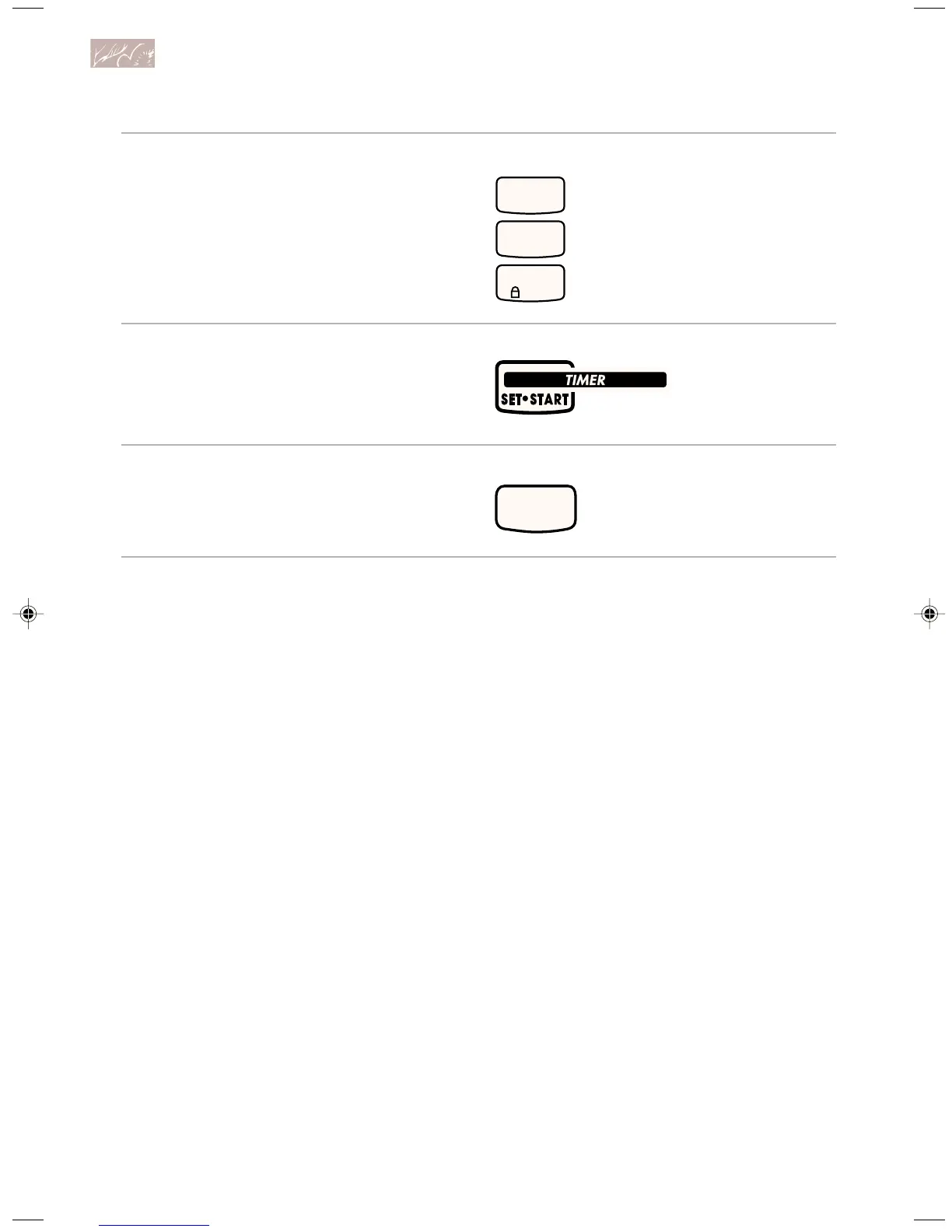
3. Press the Number Pads 1, 2,
and 3, in that order.
4. Press TIMER SET/START.
5. Start oven.
“Snd” and “Off” will appear on the
display.
Repeat Steps 1-5 to turn the
signals back on.
“Snd” and “On” will appear on the
display.
PRESS
PRESS
START
PRESS
1
CONTROL
LOCK
3
2
U sing and Caring for Your Oven
9753309A(p. 1-40)v16(c87) 12/16/98, 8:42 AM20








 To Next Page