26
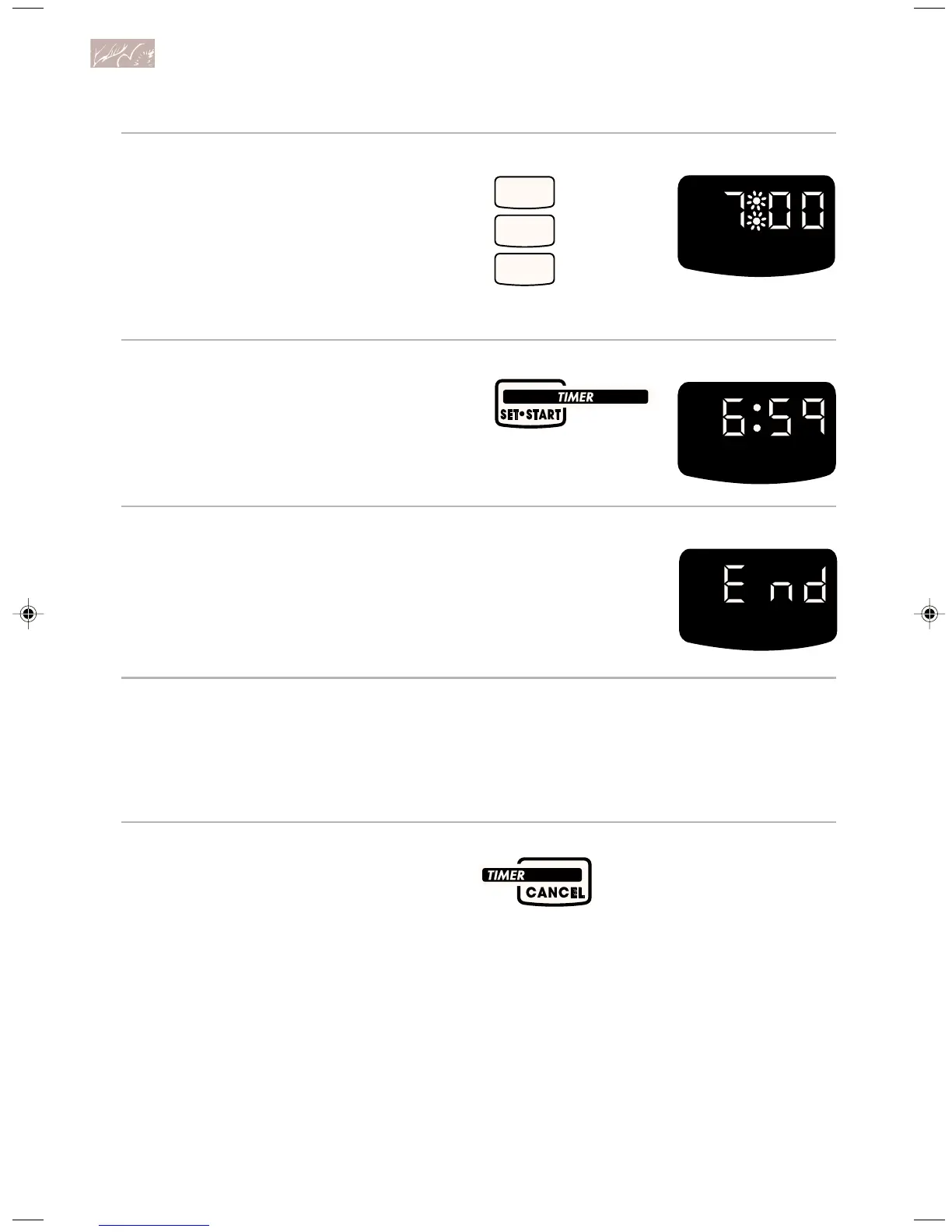
2. Set time.
3. Start Timer.
The Timer will begin counting down
immediately after you press TIMER
SET/START or START.
4. When time is up, turn off Timer.
When time is up, you will hear four tones
(unless the audible signals have been
disabled). Press TIMER CANCEL to clear
the display.
To change the timer during
its operation:
1. Press TIMER SET/START.
2. Enter new desired time.
3. Press TIMER SET/START.
To cancel the timer during
its operation:
You can cancel the Timer any time during
its operation. Press TIMER CANCEL.
HR MIN
PRESS YOU SEE
PRESS YOU SEE
(example shows a
7-hour timer setting)
YOU SEE
PRESS
7
0
0
U sing and Caring for Your Oven
9753309A(p. 1-40)v16(c87) 12/16/98, 8:44 AM26








 To Next Page