19
U sing and Caring for Your Oven
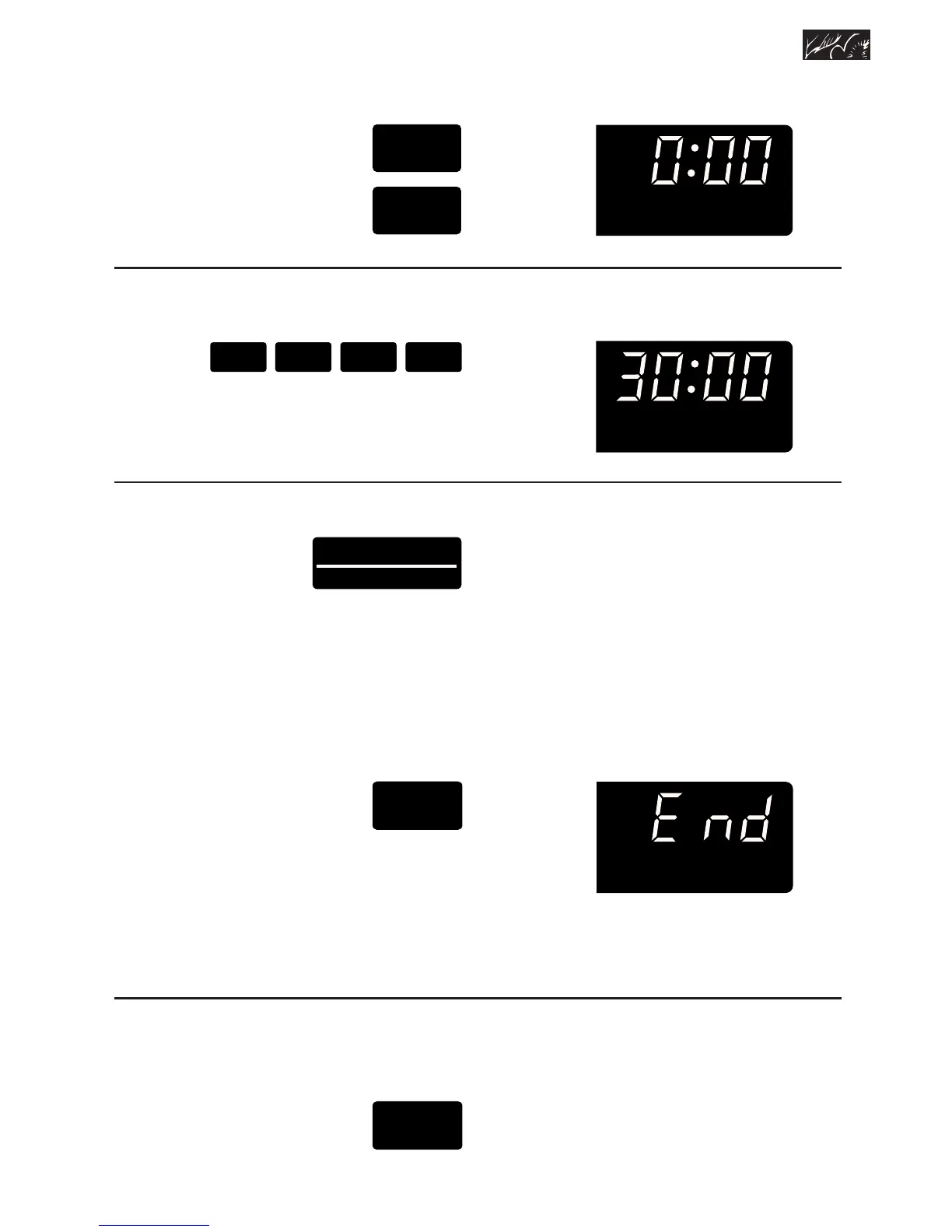
PRESS
twice
to
count down
hours and
minutes
2. Set time.
Example:
PRESS
3. Start Kitchen Timer.
PRESS
The Kitchen Timer will begin counting
down immediately after you press the
Start/Enter pad.
When time is up, you will hear a single
tone that sounds every 5 seconds.
PRESS
to turn off tone
NOTE: To change the end-of-timer tone
to a 4-second tone, press and hold the
Kitchen Timer Set pad for 4 seconds. A
short tone will sound to tell you the tone
has been changed.
To cancel the Kitchen Timer:
PRESS
SET
•MIN
••HR
3 0 0 0





 To Next Page