8 | TIPS FOR GREAT RESULTS
TIPS FOR GREAT RESULTS
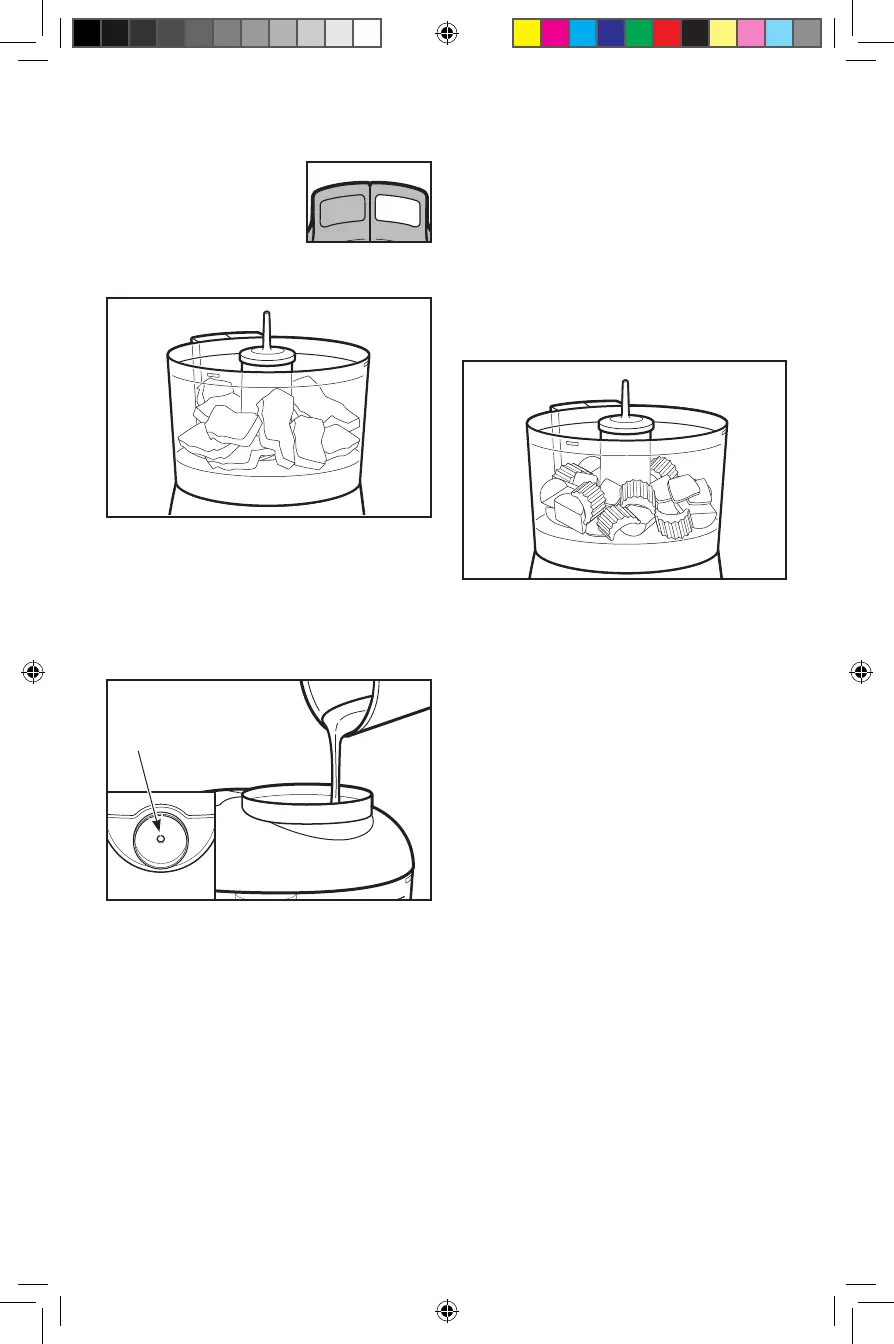
• To achieve
optimal results
when grinding raw
meat, use the Puree
button to grind up
to
1
/
2
pound (227g)
of meat at one time.
• For best processing results, press
and release the Chop or Puree
button. Repeat until ingredients
reach the consistency you want.
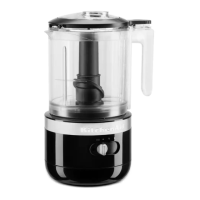
• Use the wet ingredient adder to
add liquid ingredients such as olive
oil during processing.
• Use your Food Chopper to make
bread, cracker, or cookie crumbs.
Break bread, crackers, or cookies
into small pieces, add to work bowl,
and process into crumbs.
• For uniform consistency of processed
foods, cut carrots, celery, mushrooms,
green peppers, onions, and similar
vegetables into 1-inch pieces before
adding to work bowl.
• Use your Food Chopper to chop nuts
and mince parsley, basil, chives, garlic,
and other herbs.
• Make baby food by using your
Food Chopper to purée cooked fruit
or vegetables. Puréed, cooked fruits
and vegetables can also be used
as bases for soups or sauces.
• Do not use your Food Chopper
to process coffee beans or hard
spices such as nutmegs. Processing
these foods could damage the
Food Chopper. Do not use your
Food Chopper to chop food for
more than 30 seconds continuously.
Chop
Puree
Wet ingredient
adder
Find recipes and more at
www.kitchenaid.com
W10407579D.indb 8 2/18/2019 3:53:05 PM



 To Next Page