OPERATING YOUR HAND BLENDER | 9
OPERATING YOUR HAND BLENDER
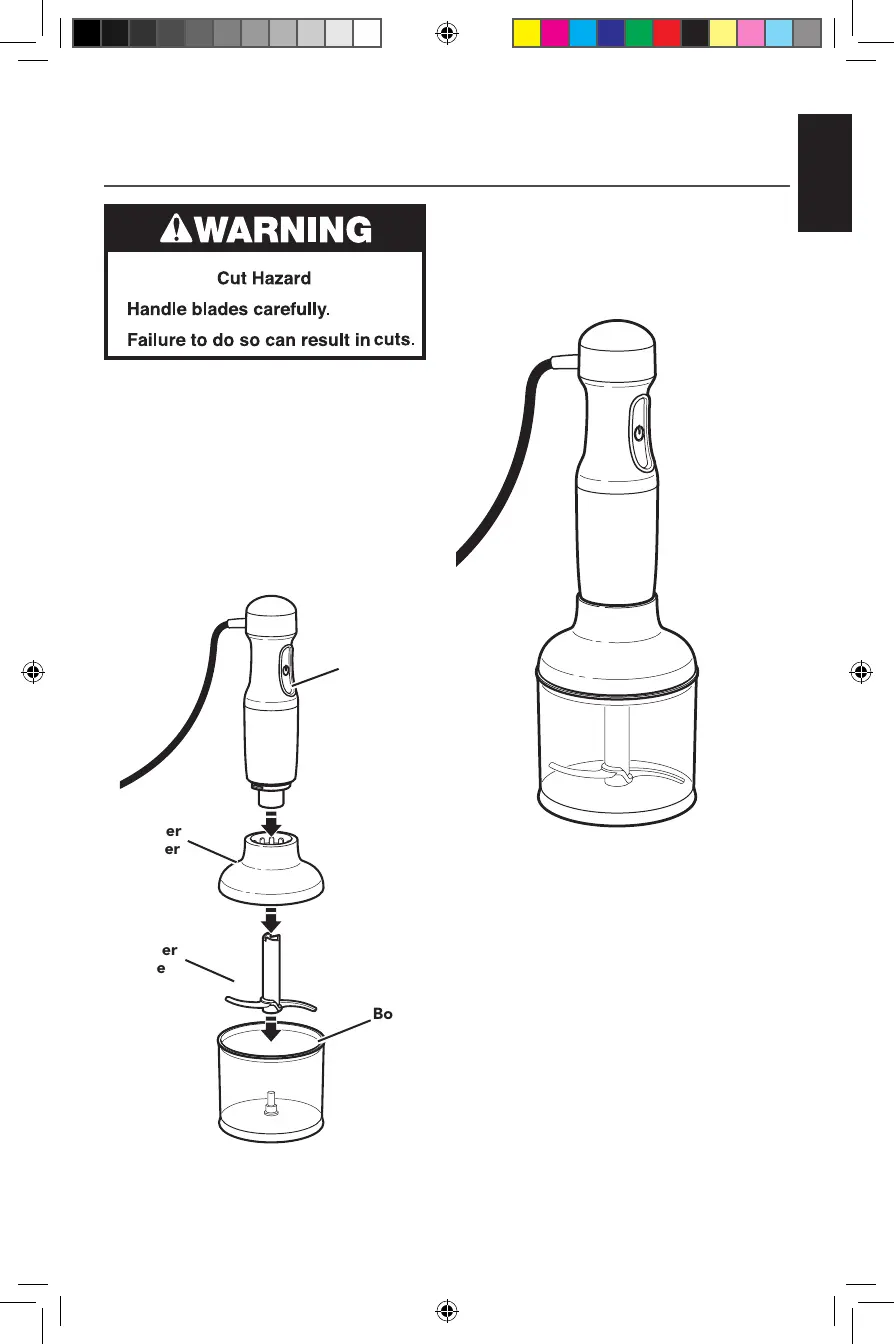
USING THE CHOPPER ATTACHMENT
Use the Chopper attachment to chop small
amounts of food such as cooked meat,
cheese, vegetables, herbs, crackers, bread,
and nuts.
1. Insert the Chopper blade into the
Chopper bowl.
2. Add small pieces of foods to the bowl.
3. Insert the chopper attachment into the
chopper bowl.
4. Align the Chopper bowl with the motor
body and press together.
5. Hold the motor body with one hand and
the Chopper bowl with the other while
processing.
6. Press the POWER button to activate
Hand Blender. For best results, “pulse”
the power by pressing and releasing the
Power button until ingredients reach the
desired consistency.
7. When chopping is complete, release
the Power button.
8. Remove Motor Body from Chopper
adapter.
9. Unplug immediately after use, before
removing or changing attachments.
Chopper
Adapter
Chopper
Blade
Chopper
Bowl
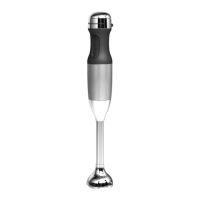
Motor
Body
W11321550A.indb 9 8/8/2019 4:15:20 PM





 To Next Page