EasyManua.ls Logo

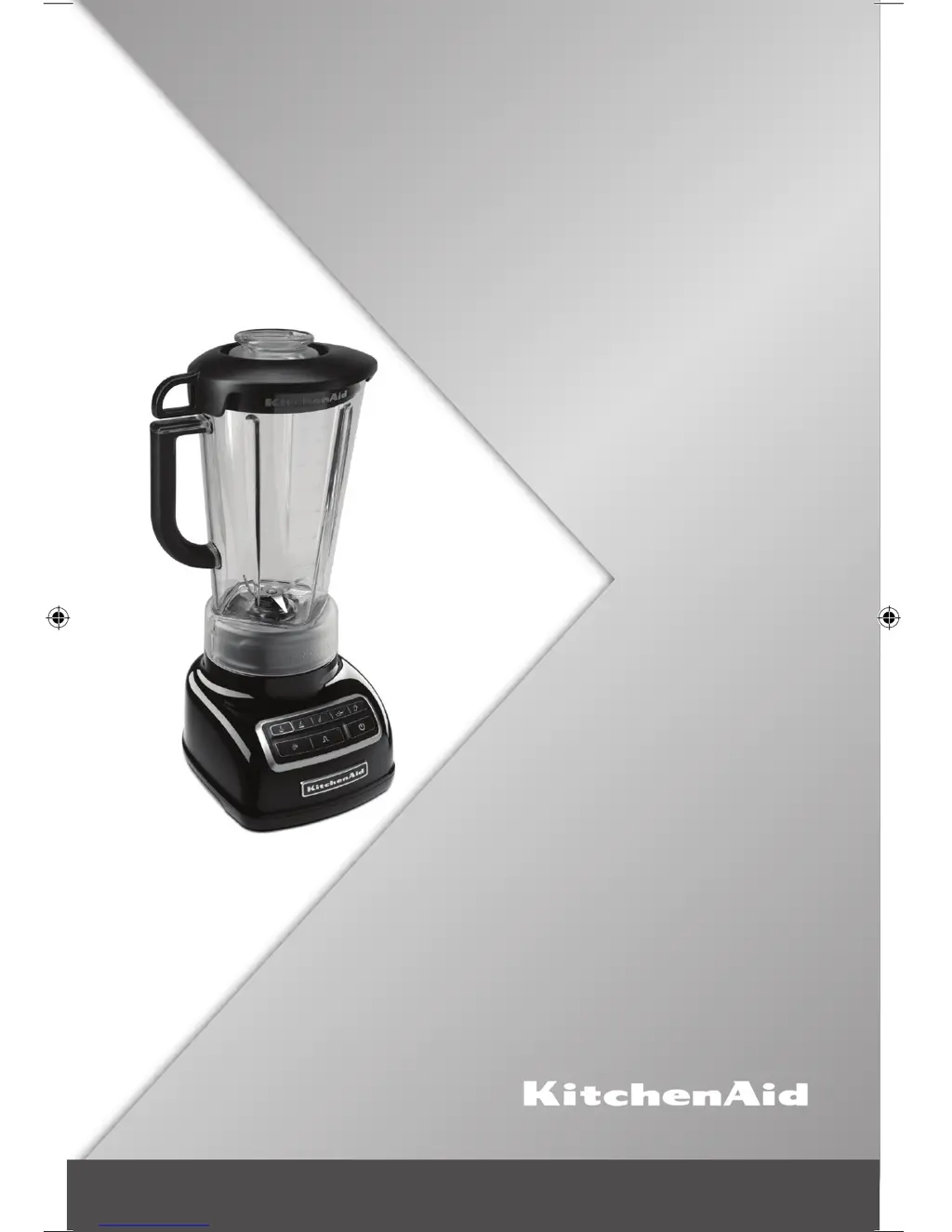
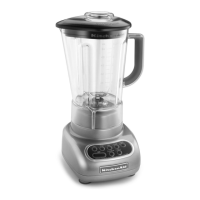
KitchenAid KSB1575 - User Manual

KitchenAid KSB1575
28 pages
Print Icon
To Next Page IconTo Next Page
Loading...
KSB1575
3KSB1575
INSTRUCTIONS
使用說明
W10847968A_EN_v06.indd 1 1/13/16 4:41 PM

Other manuals for KitchenAid KSB1575

Questions and Answers

  • T
    Tara HarveyJul 26, 2025
    What to do if KitchenAid KSB1575 stops while blending?
    • B
      brendaphamJul 26, 2025
      If your KitchenAid Blender stops during operation, it might be overloaded or jammed. To resolve this, turn off the Blender by pressing POWER, then unplug it. Remove the pitcher and use a spatula to rearrange the ingredients. You could also divide the contents into smaller batches or add liquid to the pitcher to reduce the load.
  • S
    Sandra ShepardAug 1, 2025
    What to do if KitchenAid Blender is plugged in but nothing happens?
    • J
      James YoungAug 1, 2025
      If your KitchenAid Blender is plugged in, but nothing happens when you press POWER and all the indicator lights are flashing, the motor rotor may be locked. To fix this, press POWER, then unplug the Blender. Plug it back in, then press POWER again and select the desired speed.
  • J
    Jonathan MartinezAug 7, 2025
    Why KitchenAid KSB1575 won't start?
    • R
      Rebecca MarquezAug 7, 2025
      If your KitchenAid Blender fails to start, first ensure that it is securely plugged into a grounded 3-prong outlet and press POWER. If it still doesn't work, check the fuse or circuit breaker on the electrical circuit to which the Blender is connected to ensure the circuit is closed.
  • L
    Lisa SmithAug 13, 2025
    How to fix KitchenAid KSB1575 Blender if ingredients are stuck?
    • B
      Barry HooverAug 13, 2025
      If ingredients are stuck or not blending in your KitchenAid Blender, turn off the Blender by pressing POWER, then unplug it. Remove the pitcher from the base, and use a spatula to rearrange the ingredients in the pitcher.
  • M
    Mrs. Mariah Martinez DVMSep 10, 2025
    What to do if KitchenAid KSB1575 Blender has a stuck key?
    • J
      Jonathan JohnsonSep 12, 2025
      If your KitchenAid Blender is plugged in but won't start, and one light is flashing alternately from all the other indicator lights, the Blender may have a stuck key. Press POWER to turn off the Blender, then unplug it. Plug the Blender back in and press POWER to turn it back on to reset the stuck key.

Summary

BLENDER SAFETY

IMPORTANT SAFEGUARDS

Basic safety precautions for using electrical appliances, including reading all instructions and avoiding hazards.

Electrical Requirements

Details on voltage, frequency, and precautions for safe electrical connection and use.

PARTS AND FEATURES

ASSEMBLING THE BLENDER

Preparing the Blender for Use

Steps for initial setup and cleaning of the blender before its first operation.

OPERATING THE BLENDER

Using the Blender

Instructions on how to operate the blender, including power, speed selection, and finishing operations.

Crushing Ice

Detailed steps and guidelines for using the blender's dedicated ice crushing function.

Using PULSE Mode

Instructions for utilizing the PULSE function for short bursts of high-speed blending.

Pitcher Ingredient Cup and Soft Start Feature

Information on using the ingredient cup and the Soft Start feature for optimal blending performance.

Speed Control Guide

A reference table detailing recommended speeds for various food items and preparation tasks.

TIPS FOR GREAT RESULTS

Quick Tips

Concise advice and best practices for achieving optimal results with the blender.

How To...

Step-by-step guides for common blending tasks and recipes.

CARE AND CLEANING

Cleaning the Blender

Instructions for cleaning the blender components, including base, pitcher, and accessories.

TROUBLESHOOTING

Blender Does Not Operate When Setting is Selected

Guidance on diagnosing and resolving issues where the blender fails to start or respond to settings.

Blender Stops While Blending

Troubleshooting steps for when the blender stops unexpectedly during operation.

KitchenAid KSB1575 Specifications

General IconGeneral
Bowl capacity1.7 L
Pulse functionYes
Number of speeds5
TypeTabletop blender
Product colorChrome, Metallic
Doesn't containBisphenol A (BPA)
Blade materialStainless steel
Shaft materialMetal
Blending bowl material-
Weight and Dimensions IconWeight and Dimensions
Depth215.9 mm
Width228.6 mm
Height419.1 mm
Weight5000 g

Related product manuals