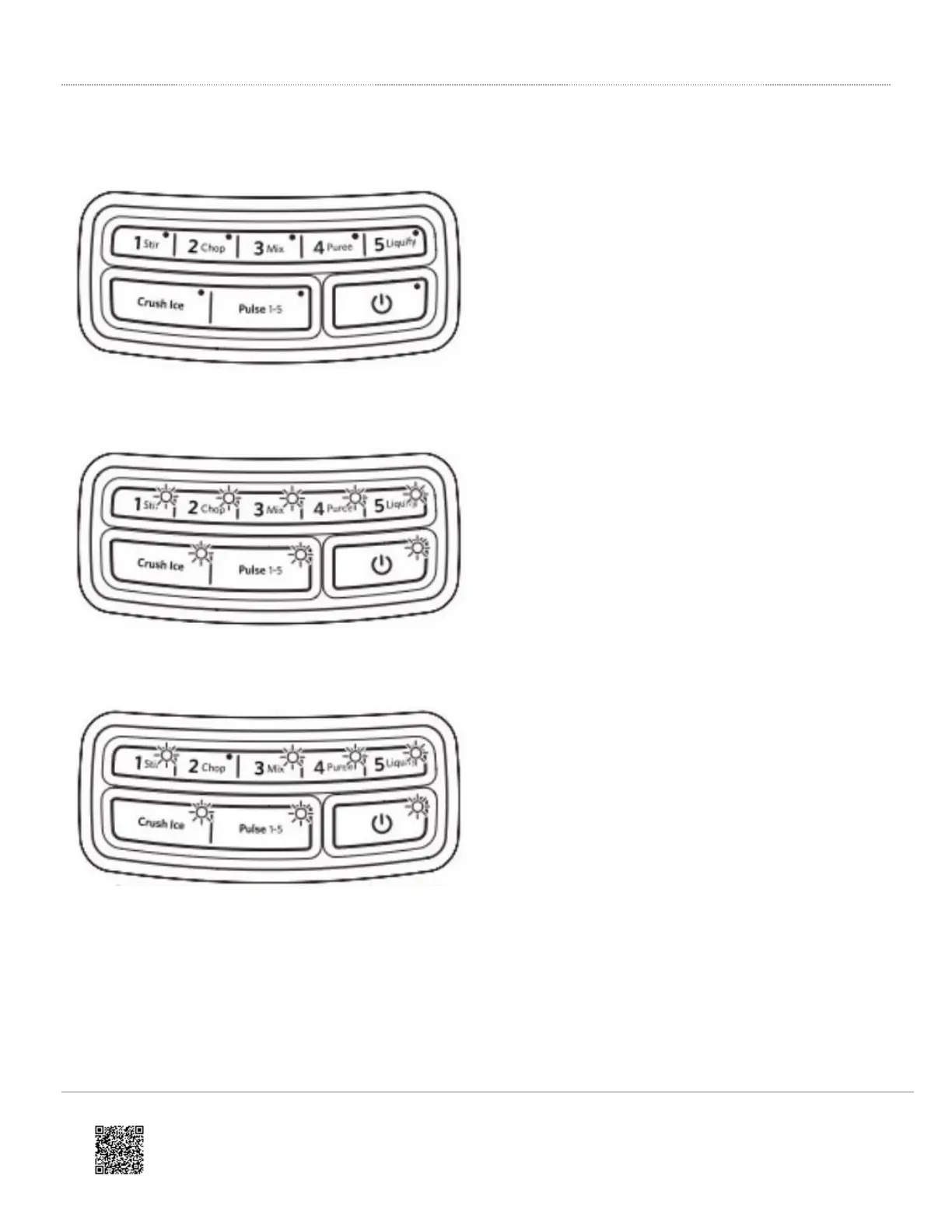
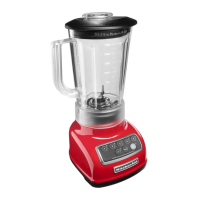
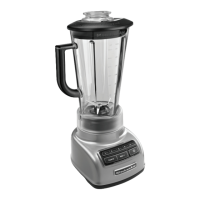
KSB1570 or KSB1575 Models
IMPORTANT: The blender will not operate at any speed unless the POWER button is pressed first.
No indicator lights are lit.
Check to see if the Blender is plugged into a grounded
3-prong outlet. If it is. press POWER: then unplug the
Blender. Plug it back into the same outlet, and Press
POWER. If the Blender still does not work, check the
fuse or circuit breaker on the electrical circuit the Blender
is connected to and make sure the circuit is closed.
All indicator lights are flashing at the same time.
If Blender is plugged in, but nothing happens when
POWER is pressed, and all indicator lights are flashing,
the motor rotor may be locked. Press POWER; then
unplug the Blender. Plug it back in; then press POWER
and select the desired speed.
One indicator light is flashing alternately.
If the Blender is plugged in, but will not start and one
light is flashing alternately from all the other indicator
lights, the Blender may have a stuck key. Press POWER
to turn off the Blender; then unplug the Blender. Plug the
Blender back in and press POWER to turn back on to
reset the stuck key.
https://producthelp.kitchenaid.com/Countertop_Appliances/Blenders/Blender_Tips_and_Tricks/Blender_Lights_Flashing
Updated: Thu, 06 Aug 2020 14:53:06 GMT
Powered by
2





 To Next Page