Helpful Tip: Place cardboard under dishwasher until installed
in cabinet opening to avoid damaging floor covering. Do not
use door panel as a worktable without first covering with a
towel to avoid scratching the door panel.
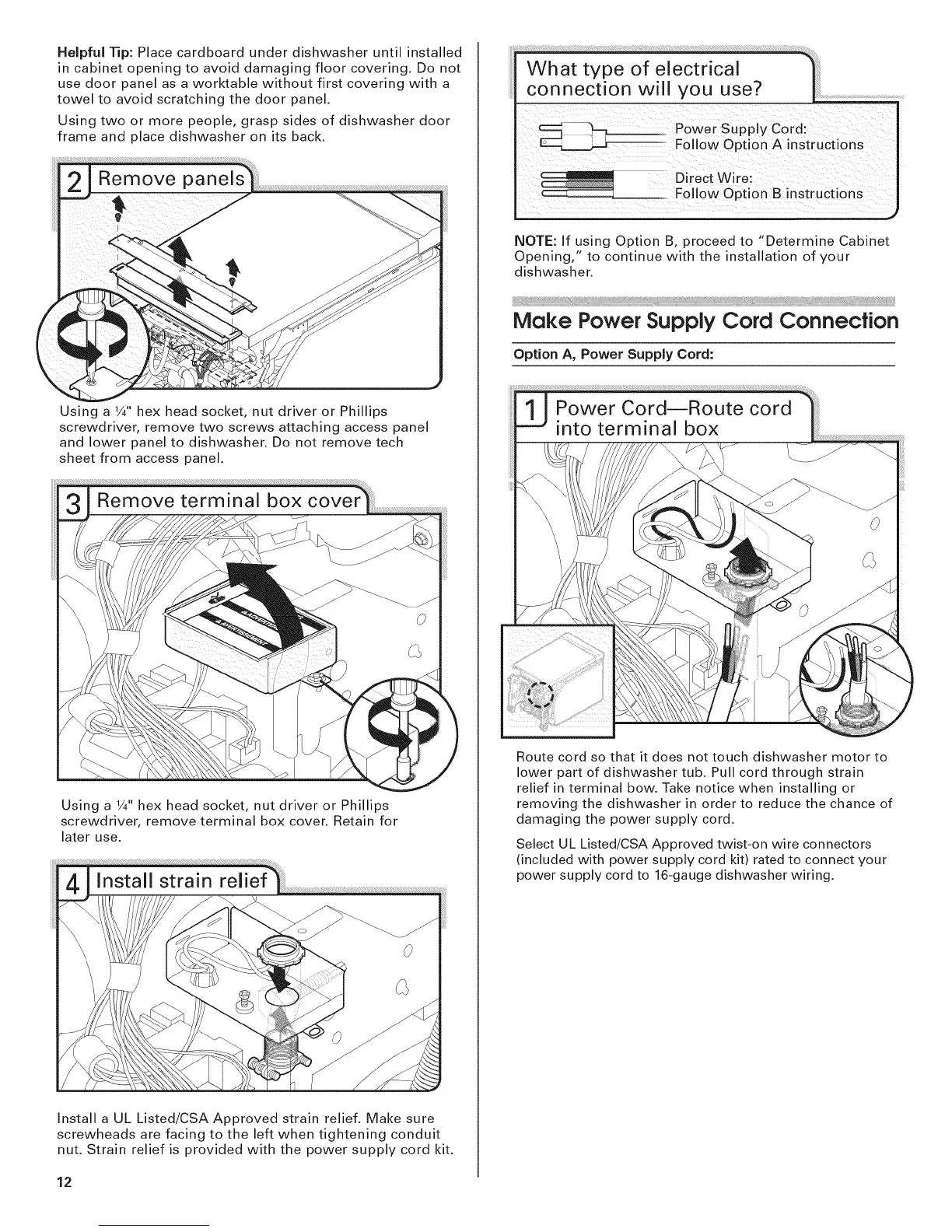
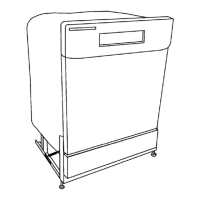
Using two or more people, grasp sides of dishwasher door
frame and place dishwasher on its back.
Using a 1/4"hex head socket, nut driver or Phillips
screwdriver, remove two screws attaching access panel
and lower panel to dishwasher. Do not remove tech
sheet from access panel.
Using a 1/4"hex head socket, nut driver or Phillips
screwdriver, remove terminal box cover. Retain for
later use.
Install a UL Listed/CSA Approved strain relief. Make sure
screwheads are facing to the left when tightening conduit
nut. Strain relief is provided with the power supply cord kit.
12
NOTE: If using Option B, proceed to "Determine Cabinet
Opening," to continue with the installation of your
dishwasher.
Make Power Supply Cord Connecfion
Option A, Power Supply Cord:
Route cord so that it does not touch dishwasher motor to
lower part of dishwasher tub. Pull cord through strain
relief in terminal bow. Take notice when installing or
removing the dishwasher in order to reduce the chance of
damaging the power supply cord.
Select UL Listed/CSA Approved twist-on wire connectors
(included with power supply cord kit) rated to connect your
power supply cord to 16-gauge dishwasher wiring.



 To Next Page