8 9
Charging the battery
The Arcade has a built-in rechargeable lithium battery. Make sure the Arcade is switched off.
Connect one end of the mini USB charge cable to the mini USB charge port (5) on the Arcade
and connect the other end to your PC or USB mains adaptor. The battery will start charging.
• It takes up to 4 hours to fully charge the battery
• Whilst charging, the LED indicator (1) will be solid green
• When fully charged, the LED indicator (1) will turn off
Getting started
To turn the Arcade on, press and hold the ON/OFF button (2) for 3 seconds. To turn the Arcade off,
press and hold the ON/OFF button (2) for 3 seconds whilst they are on.
Please read this manual carefully before use.
Box contents
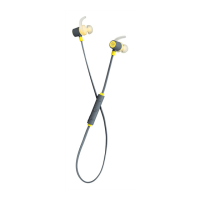
• KS Arcade bluetooth earphones
• Mini USB charge cable
• 3.5 mm audio cable
• User manual
Functions
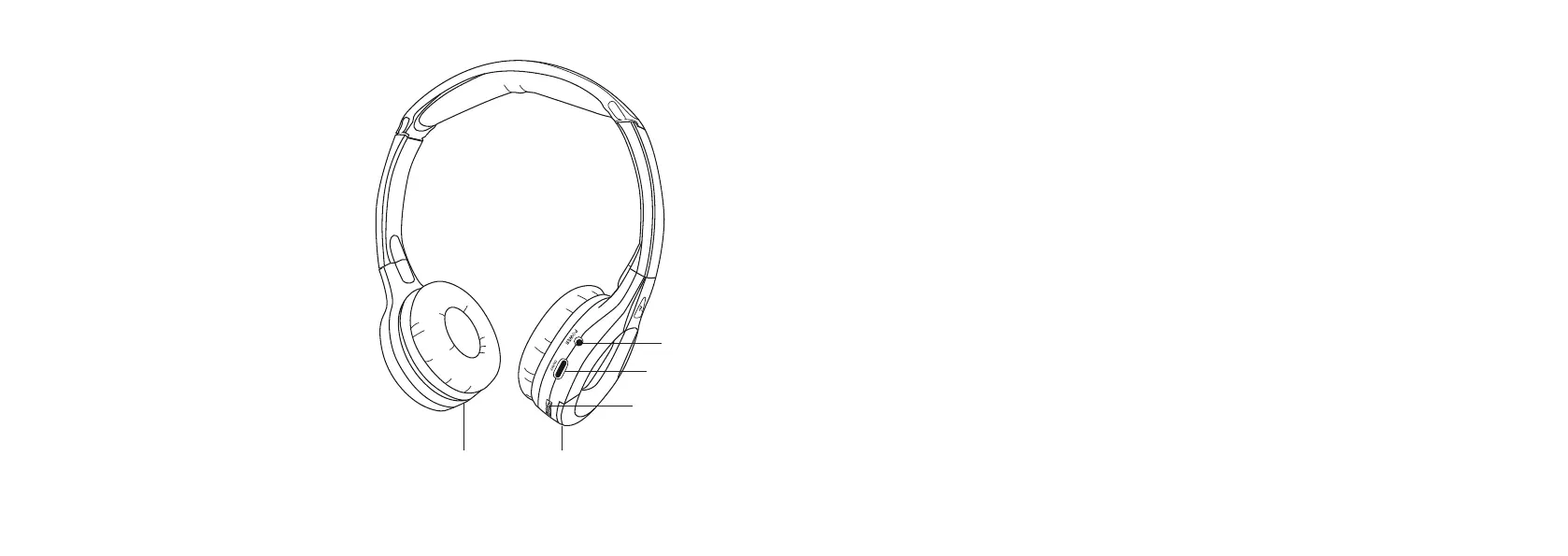
1. LED indicator
2. ON/OFF button
3. MFB (Multi Function Button)
4. Aux input
5. Mini USB charge port
1
2
3
5 4



 To Next Page