10 11
Function Description
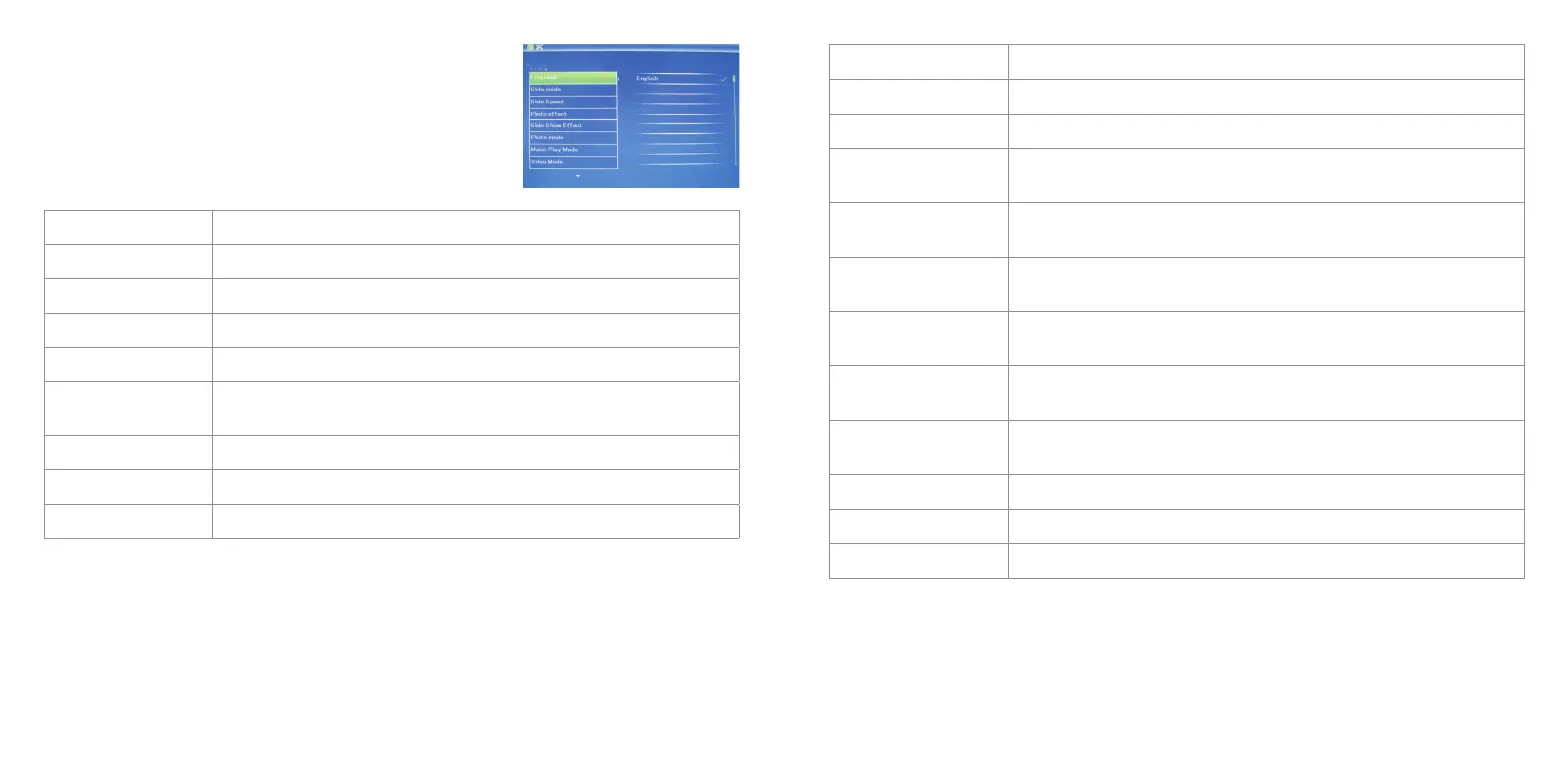
Language English,French,Italian,German,Spanish,Portuguese,Swedish,Dutch,Russian
Slidemode SingleWindow,FourWindows,TripleWindows
Slidespeed 3/5/15/30seconds,1/5/15/30minutes
Photo effect Colour,Mono,Sepia
Slideshoweffect Random,Windows,Jalousie,Fade,Insert,Brick,3DFloat,Release,3DMix,Comb,
3Dcircle,3Dcube
Photo mode AutoFit,Optional,Full
Musicplaymode Single,Repeat,Circular,NoRepeat
Videomode Original,Screen,Full
Display Description
Contrast
Press ENTER and then toselectbetween00(lowest)and40(highest)
Brightness
Press ENTER and then toselectbetween00(lowest)and40(highest)
Saturation
Press ENTER and then toselectapointbetween00(lowest)
and40(highest)
Tint
Press ENTER and then toselectbetween00(mostcolour)
and40(leastcolour)
Settime/date
Press ENTER and then toselect:Year,Month,Date,Hour,Minute,Second.
ThenpressENTER, use to set and press Save Time to confirm
Settimeformat(12/24)
Press ENTER and use to select. Press ENTER, then use to set
and press ENTER again to confirm
Alarm
Press ENTER and use toselect:Status,Number,Hour,Minute,Mode.
Press ENTER, then use to set and press ENTER again to confirm
AutopowerOn/Off
Press ENTER and use toselect:Hour,Minute,Status.PressENTER,
then use to set and press ENTER again to confirm
Formatbuilt-inmemory
Press ENTER and use tochooseYesorNo.PressENTER to confirm
Resetsettingstodefault
Press ENTER, use to select or deselect and press ENTER to confirm
Exit Presstoexitsetupmenu
Setup
Press Setup and use to select the item you want to set up.
Press to show the sub menu and press to select, then
press ENTER to confirm.


 To Next Page