EasyManua.ls Logo

Klarstein 10012196 - User Manual

Klarstein 10012196
21 pages
Go to English
Print Icon
To Next Page IconTo Next Page
Loading...
10012196
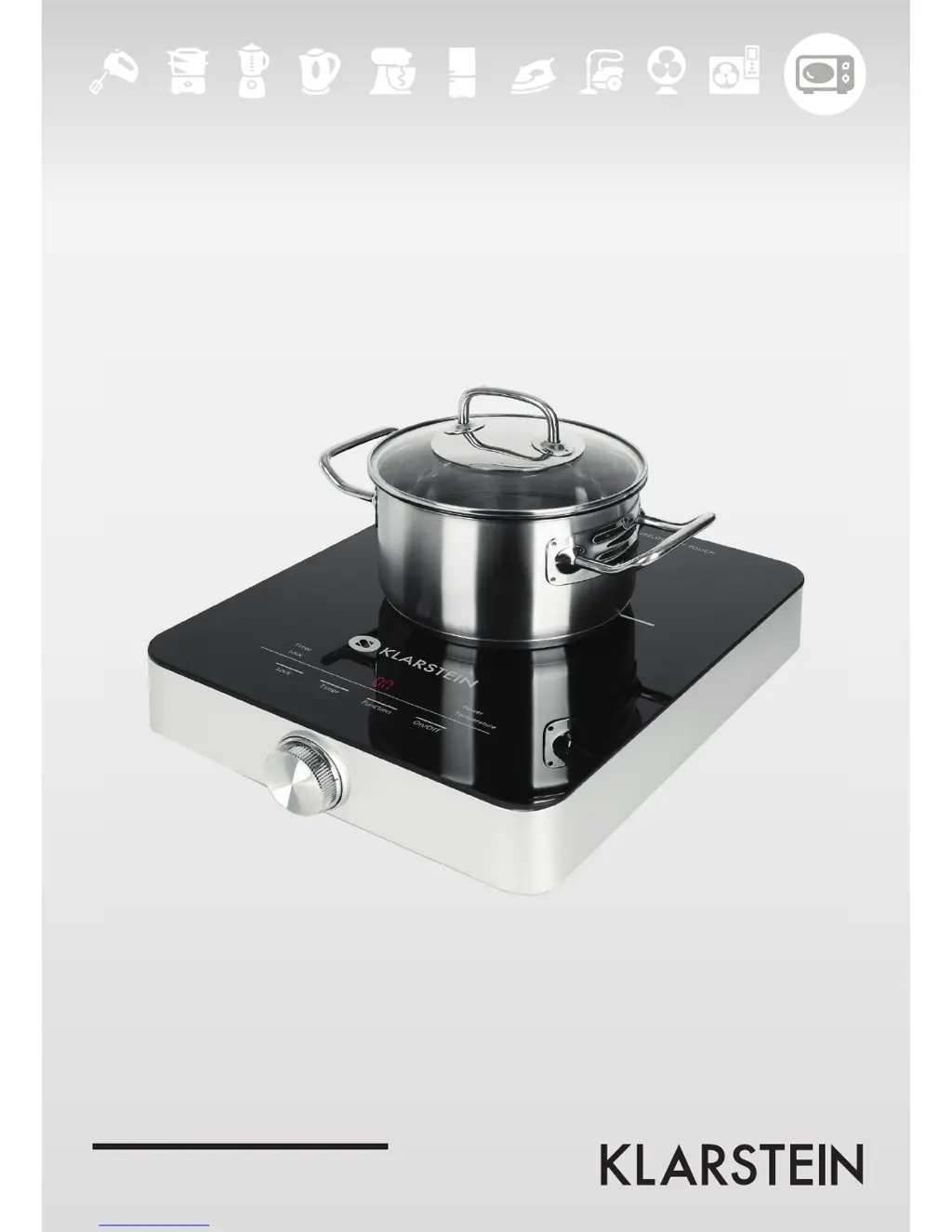
Induktionskochfeld

Questions and Answers

  • C
    Craig TorresAug 2, 2025
    What to do if my Klarstein 10012196 shows error E5?
    • P
      Peter HamiltonAug 2, 2025
      If your Klarstein Hob displays 'E5', it indicates overheating. Allow a few minutes for the appliance to cool down. Also, check the pot or pan you are using.
  • C
    Christopher SchmidtAug 7, 2025
    Why does my Klarstein 10012196 Hob show error E3?
    • B
      Benjamin ChapmanAug 7, 2025
      If your Klarstein Hob displays 'E3', it means the voltage is too high. Check the power source and turn the hob on when the power source returns to normal.
  • B
    brettwoodsAug 14, 2025
    What to do if my Klarstein Hob shows error E4?
    • W
      William JohnsonAug 14, 2025
      If your Klarstein Hob displays 'E4', it means the voltage is too low. Check the power source and turn the hob on when the power source returns to normal.
  • J
    James LoganAug 19, 2025
    What to do if my Klarstein Hob shows error E6?
    • A
      Amy WalkerAug 20, 2025
      If your Klarstein Hob displays error code 'E6', it indicates a problem with the fan or a blockage in the air intake/outflow. Once the appliance has cooled, clean the openings and restart it. If the problem continues, contact an authorized service center.
  • K
    Kari Ray DVMAug 27, 2025
    Why does my Klarstein 10012196 Hob show error E0?
    • T
      tuckerjoseAug 27, 2025
      If your Klarstein Hob displays 'E0', it means that the pot or pan is unsuitable for induction cooking, or its diameter is less than 12 cm. Place suitable cookware on the cooktop.

Summary

Technical Data

Safety Instructions

Power cord; power supply

Instructions for safe handling and use of the power cord and plug.

Small objects; Packaging Parts

Guidance on storing small parts and packaging away from children.

Location

AC Adapter

Intended Use

Transport and Cleaning

Repairs

Product Description

Control Panel

Control Panel Overview

Details the functions and displays of the appliance's control panel.

Use and Operation

Switching on

Steps to turn on the induction hob and initial status indicators.

Setting the power level

How to adjust the power output of the induction hob.

Setting the temperature

Instructions for selecting the desired cooking temperature.

Setting the timer

Guide on how to set the cooking timer for the appliance.

Setting the Lock

How to activate the control lock to prevent accidental changes.

Suitable cookware for cooking on an induction hob

Criteria for selecting compatible pots and pans for induction cooking.

Troubleshooting

Hints on Disposal

Declaration of Conformity

Klarstein 10012196 Specifications

General IconGeneral
BrandKlarstein
Model10012196
CategoryHob
LanguageEnglish

Related product manuals