EasyManua.ls Logo

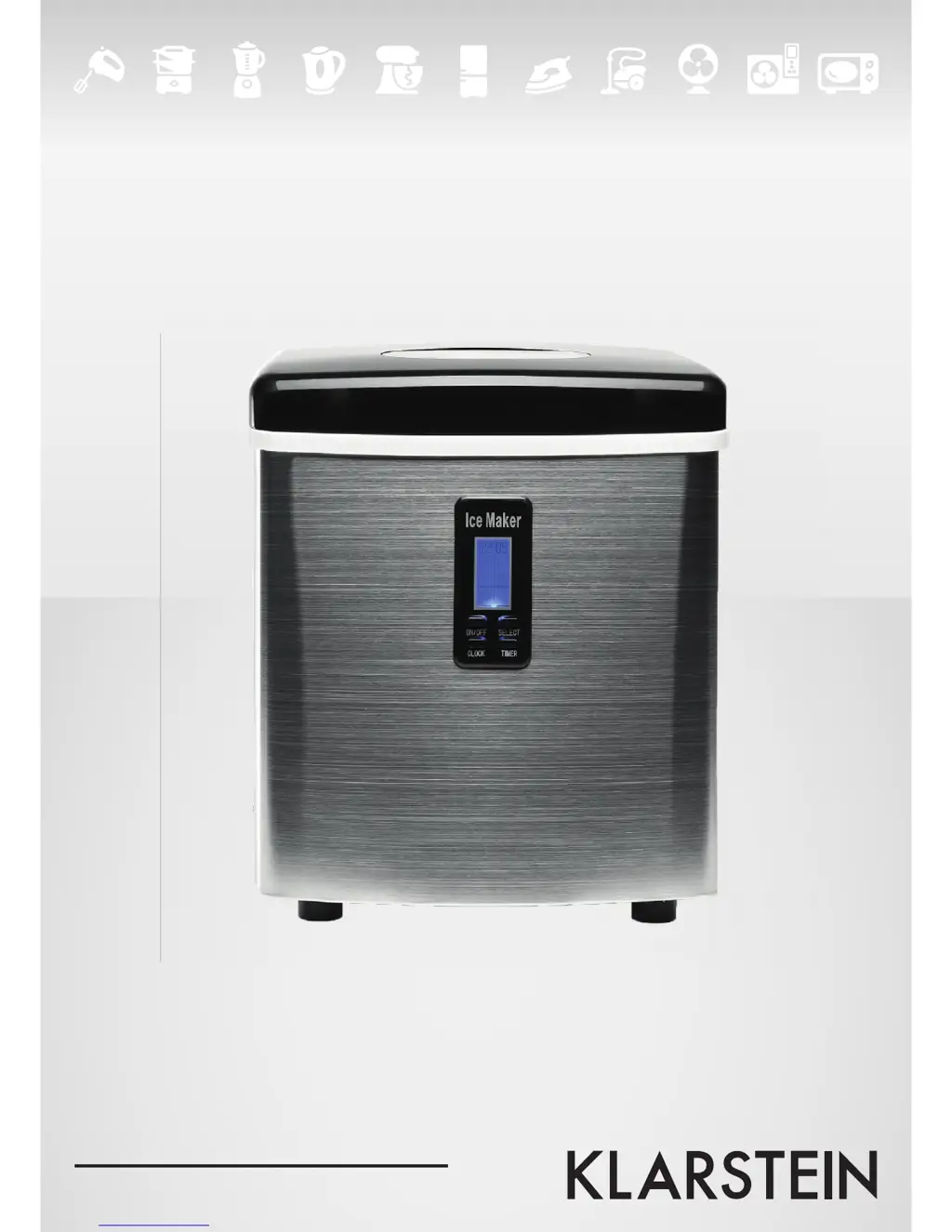
Klarstein 10020109 - User Manual

Klarstein 10020109
30 pages
Go to English
Print Icon
To Next Page IconTo Next Page
Loading...
Zitruspresse orange
10008166 10008167 10008168
10020109 10020110
Eiswürfelmaschine

Questions and Answers

  • A
    Alexis NelsonAug 3, 2025
    What to do if the Klarstein 10020109 Ice Maker is making ice normally but no ice is produced?
    • M
      michael84Aug 3, 2025
      If your Klarstein Ice Maker completes the ice-making cycle but doesn't produce ice, the ambient or water temperature in the inner tank might be too high. Try running the ice maker below 32°C and use colder water in the tank. If this doesn't solve the issue, it could be due to a refrigerant leak or a blockage in the cooling system pipe, which requires verification by a qualified technician.
  • J
    Jennifer LewisAug 11, 2025
    What to do if ice cubes stick together in my Klarstein 10020109 Ice Maker?
    • G
      Gregory JonesAug 11, 2025
      If ice cubes are sticking together in your Klarstein Ice Maker, the ice cycle may be too long, or the water temperature in the inner tank is too low. To resolve this, stop the ice maker and restart it after the ice melts. Also, select the small ice cube size. Ensure the water temperature is between 8-32°C by changing the water in the inner tank.
  • C
    Cynthia ParrishAug 18, 2025
    Why does the symbol “ ”” display in LCD window of my Klarstein 10020109?
    • I
      igilbertAug 18, 2025
      The “ ”” symbol on your Klarstein Ice Maker's LCD window indicates that there is too much ice. Remove some ice from the ice basket.
  • M
    Michael WebbAug 26, 2025
    How to fix symbol ““ ”” fal shs on Klarstein Ice Maker?
    • C
      Crystal ChaneyAug 26, 2025
      The ““ ”” symbol on your Klarstein Ice Maker indicates a lack of water. Stop the ice maker, fill it with water, and press the ON/OFF button to restart the unit.

Summary

Important Safety Instructions

General Safety Precautions

Covers safe usage for children, cord handling, plug insertion, extension cords, and outdoor use.

Hazard Warnings

Highlights risks of fire from flammable materials, ventilation obstruction, refrigerant circuit damage, and electrical safety.

Getting to Know Your Unit

Unit Components and Controls

Details the ice maker's parts, including the cover, scoop, shovel, and control panel features like the LCD display.

Unpacking and Setup

Initial Unpacking and Placement

Instructions for removing packaging, cleaning, finding a suitable location, and allowing refrigerant to settle.

Cleaning and Maintenance

Cleaning Procedures

Step-by-step guide for cleaning the interior and exterior of the ice maker with recommended agents.

Operation

Starting and Managing Ice Production

Guide to filling water, starting the unit, selecting ice size, and monitoring the ice-making cycle.

Timer Functions

Setting and Cancelling Timers

Instructions for setting an ON-TIMER or OFF-TIMER and how to cancel an active timer program.

Clock Display and Time Correction

Adjusting the Clock

Procedure for correcting the displayed time using the CLOCK and SELECT buttons.

Cleaning Reminders

Resetting the Cleaning Indicator

How to clear the cleaning symbol from the display after maintenance.

Troubleshooting

Problem Resolution Guide

Lists common issues like 'no water' or 'ice cubes stick together' with their possible causes and solutions.

Technical Specifications

Product Specifications

Details the electrical input voltage, frequency, and power consumption of the ice maker.

Disposal Information

Environmental Disposal Guidelines

Guidance on proper disposal of the appliance according to European regulations to prevent environmental harm.

Declaration of Conformity

Product Certifications

Lists the European Directives (EMC, LVD, RoHS) to which the product conforms.

Klarstein 10020109 Specifications

General IconGeneral
BrandKlarstein
Model10020109
CategoryIce Maker
LanguageEnglish

Related product manuals