64
EN
Use one big zone
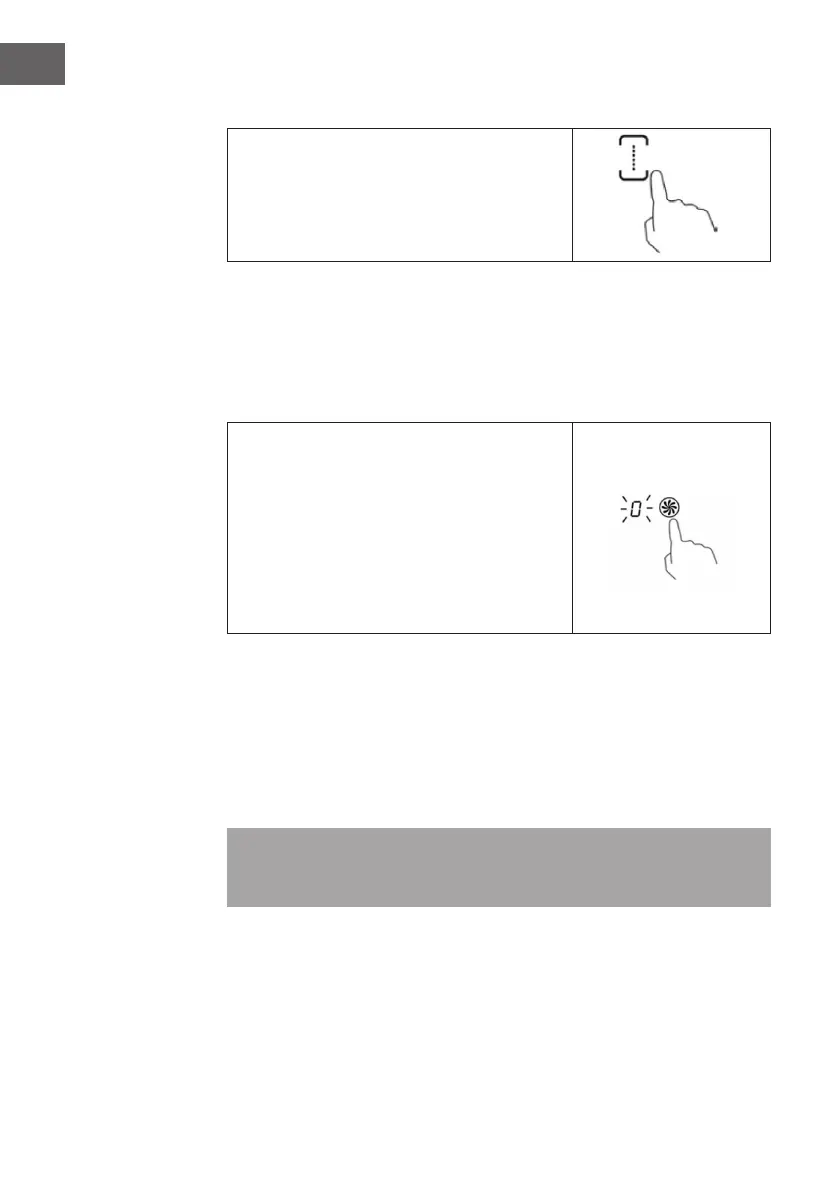
To activate the exible area as a single big zone,
simply press the dedicated keys. The power setting
works as any other normal area.
Use two independent zones
To use the exible area as two different zones with different power settings, press the
dedicated keys.
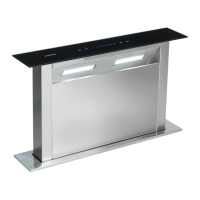
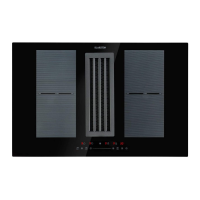
Using the downdraft hoob
1. Touch the ON/OFF control. After power on, the
buzzer beeps once, all displays show [–] or [--]
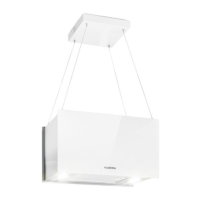
and the downdraft will show [0], indicating that
the hob has entered the state of standby mode.
2. Touching the downdraft control, and a indicator
next to the key will ash.
3. Set a power level by re-touching the downdraft
control, power level will vary from stage 1
to stage 3. For the Power level P, it will last 8
minutes.
Locking the Controls
You can lock the controls to prevent unintended use (for example children accidentally
turning the cooking zones on).
1. To lock the controls, touch the keylock control. The timer indicator will show [Lo]:
2. To unlock the controls, make sure the Induction hob is turned on. Touch and hold the
keylock control for a while. You can now start using your Induction hob.
Note: When the hob is in the lock mode, all the controls are disable except the ON/
OFF, you can always turn the induction hob off with the ON/OFF control in an
emergency, but you shall unlock the hob rst in the next operation.


 To Next Page