57
EN
Switch off the device
1 2
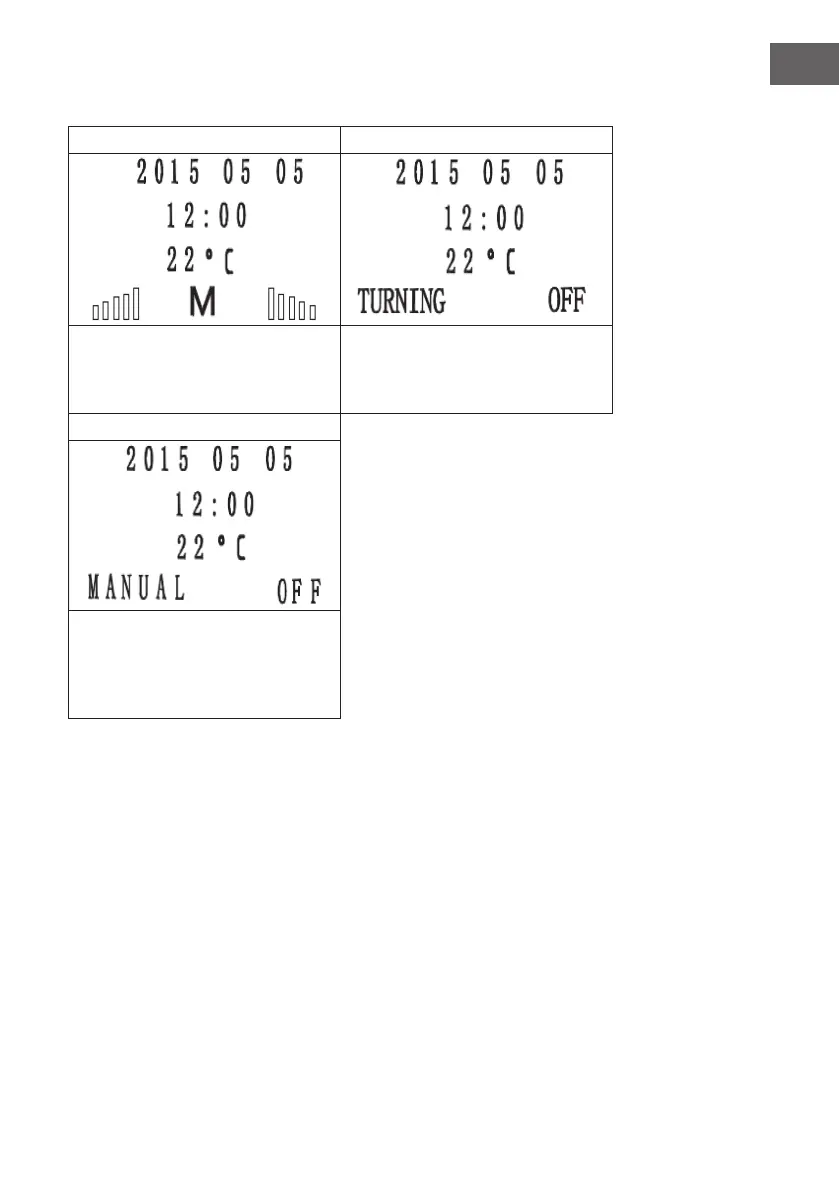
During operation, the screen looks as
follows. Press and hold the POWER
button for 3 seconds to move to the next
screen.
The screen will display „TURNING OFF“
and the heater will enter the off phase.
The screw conveyor stops pellet lling.
3
The exhaust motor and convection
motor will continue to operate until the
furnace has cooled down and the smoke
temperature drops below 50°C, then the
furnace will go to OFF mode.


 To Next Page