31
EN
DESCRIPTION OF THE APPLIANCE
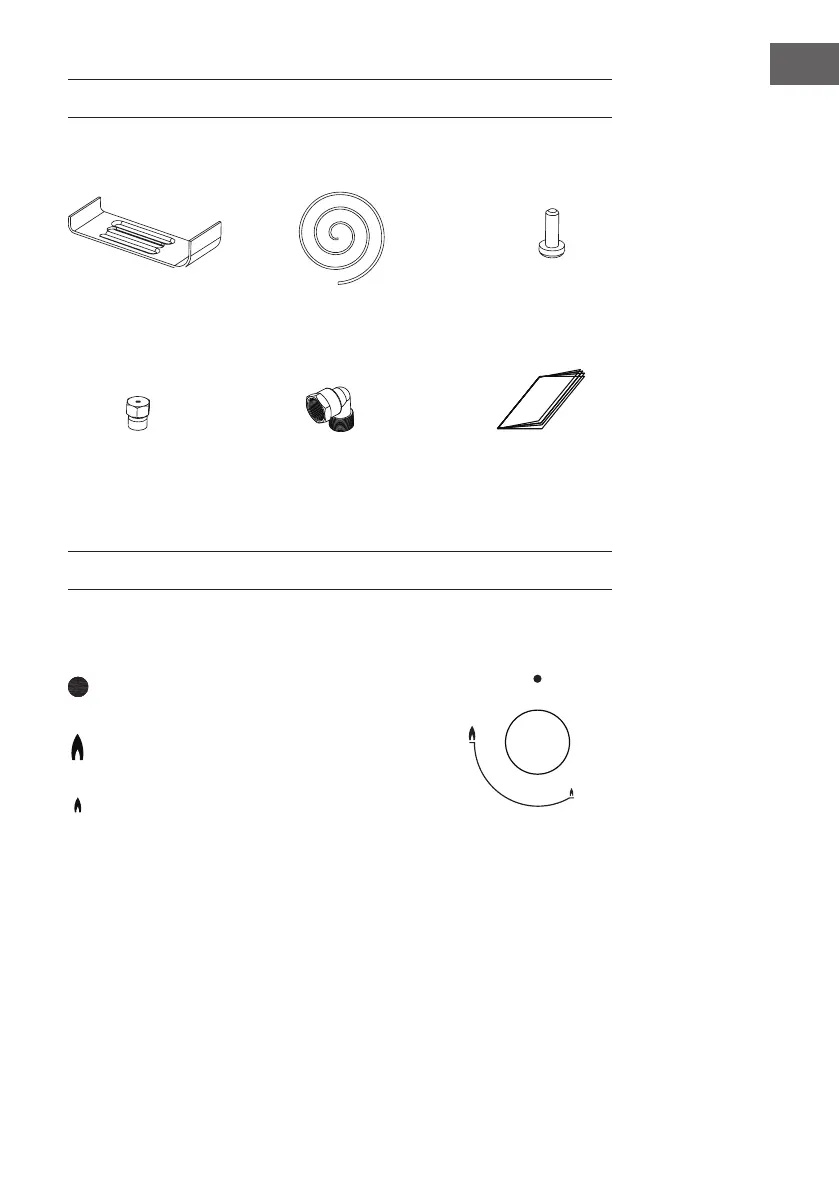
Accessories
Bracket (4) Sponge (4)
Screw (4)
Instruction Manual (1)
Injector (7)
Gas-pipe bend (1)
HOW TO USE THE APPLIANCE
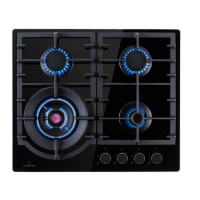
The following symbols will appear on the control panel, next to each control handle.
Black circle: gas off
Large ame: maximum setting
Small ame: minimum setting
The minimum setting is at the end of the anti-clockwise rotation of the control handle.
All operation positions must be selected between the maximum and minimum position.
The symbol on the control panel,next to the control handle will indicate which burner it
operates.


 To Next Page