30
EN
Button Function description and operation
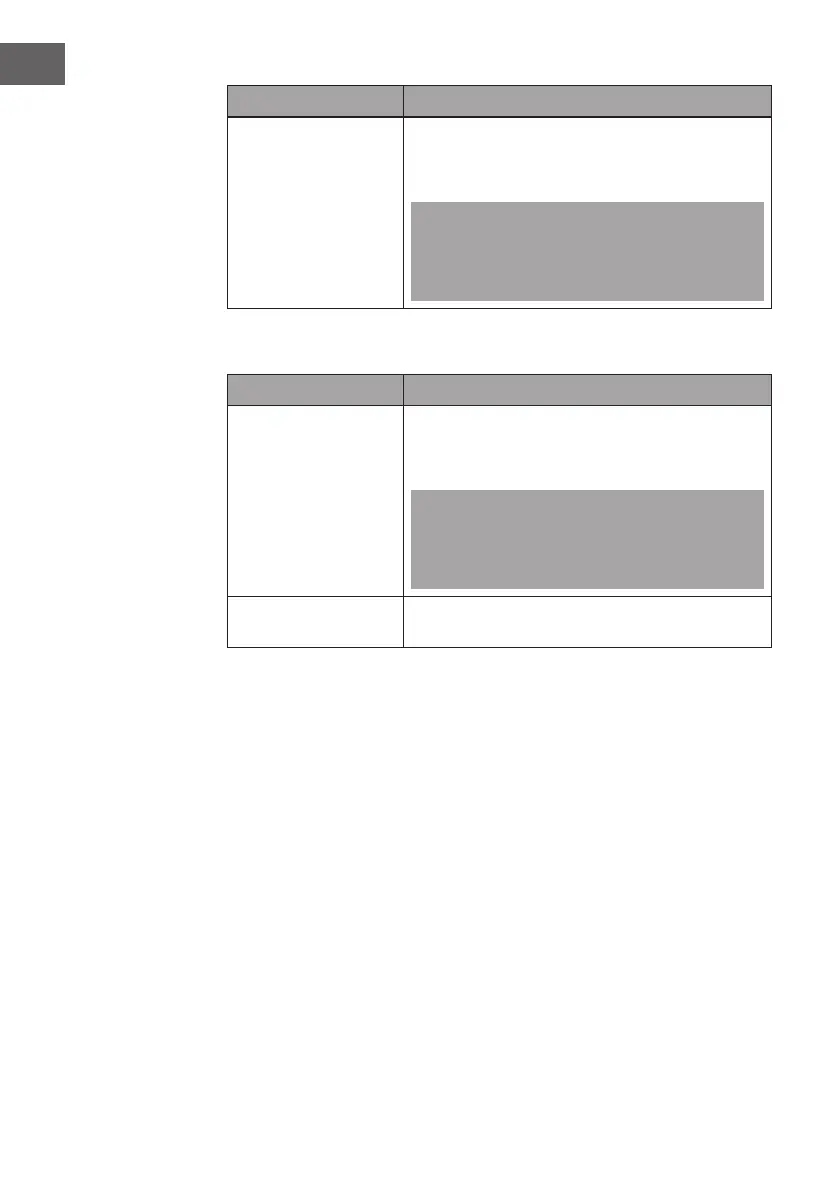
Clean
Press the "High Temp. Clean/Hold Fast Clean“ button
and then lightly press the "Start/Stop" button to start
cleaning.
Note: When you use the "High Temp. Clean/Hold
Fast Clean“ function and there is water in the tank,
please perform the “Hold for Discharge" function
rst before using the "Clean" function.
Functions without heating operation
Button Function description and operation
Juice
Put the ingredients into the device, select the
function mode and then click the "Start/Stop" button
to start preparation.
Note: When you select the "Juice" function, the
device automatically adds water by default. Press
the "Volume" button to adjust the volume to 0 ml,
then the device will add water automatically.
Hold fast clean Press and hold the "High Temp. Clean/Hold Fast
Clean" button to enter fast cleaning mode.



 To Next Page