20
EN
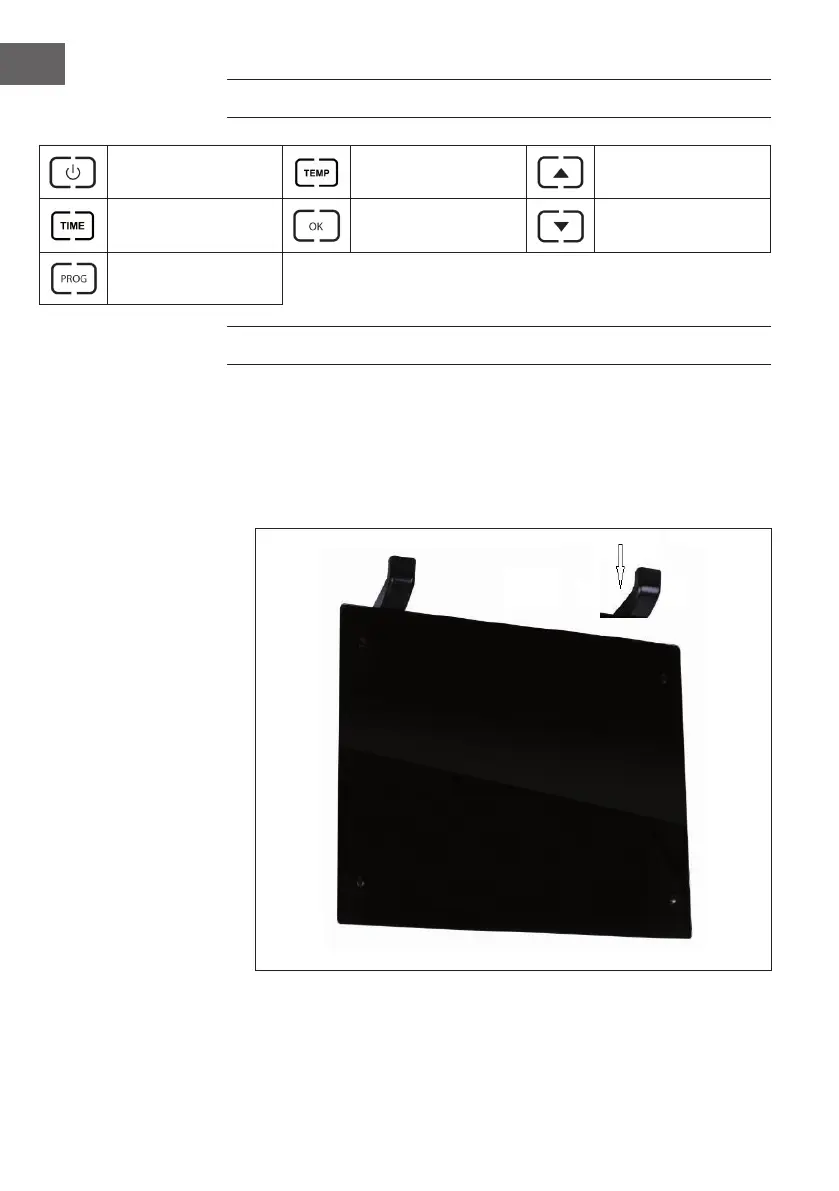
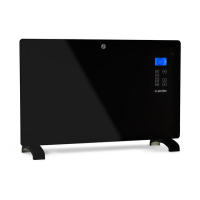
CONTROL PANEL
Standby key: Switching
the appliance on/o
Setting temperature
level
Adjusting value up
Setting the time
Con rming an input /
entering menu
Adjusting value down
Setting the program
mode
INSTALLATION
Free-standing installation
1. Put the product upside down on a soft cotton cloth or carpet.
2. Mount the stand in the corresponding location of the lower part of the
product as shown above, and then x the randomly supplied screw at the
bottom of the product with a screwdriver and tighten the screw.





 To Next Page