22
EN
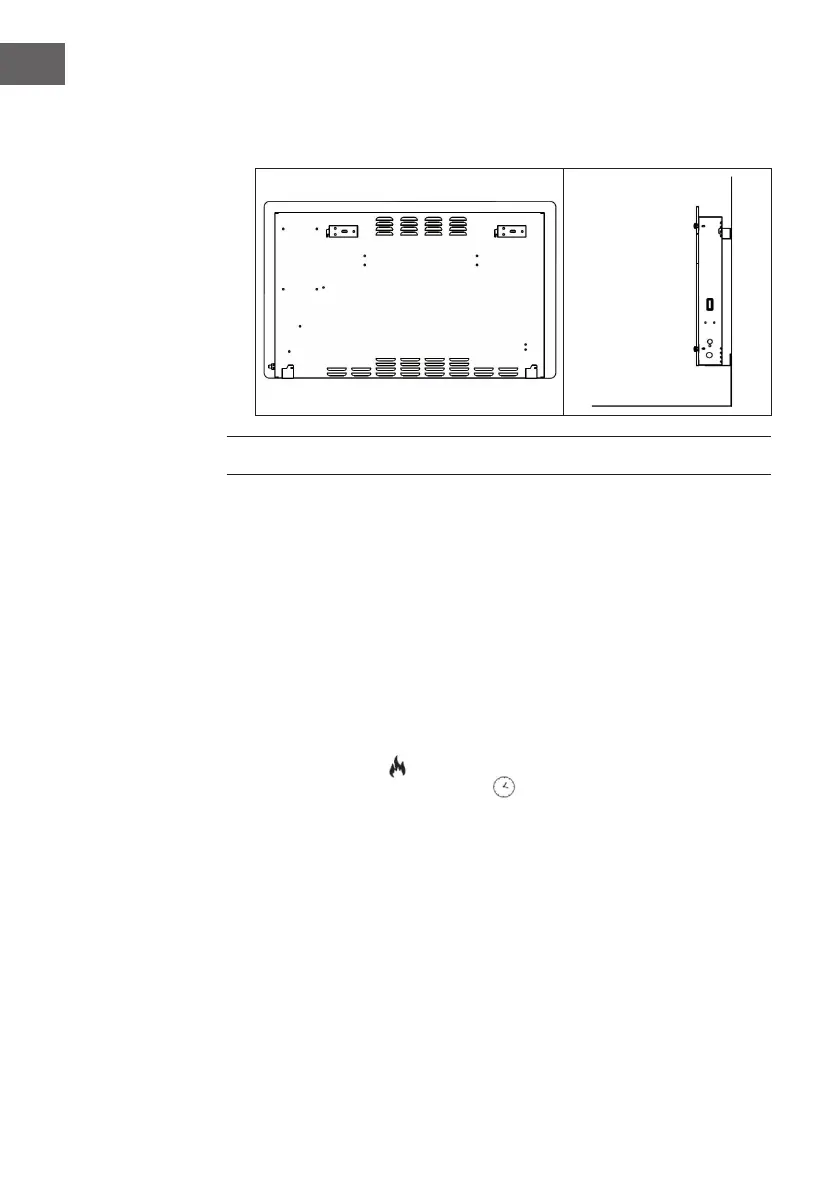
3. Hold the side of the product, look at the position of the wall hole of the rear
cover, and slide the wall to the top of the slot, that is, the installation of the
wall is completed, as depicted in the picture below.
USE AND OPERATION
Switching the appliance on/o
Press the Standby key to exit the standby mode, the LCD display (2) shows current
ambient temperature and set time (default 00:00). Press the standby key again to
activate the standby mode.
Note: When pull out the plug, deletes the timer setting only and other function
settings remain unchanged.
Choosing operation mode
This heater provides two di erent operation modes:
• Free heating mode
• Programmed weekly heating mode
Press the “PROG” key and use up and down key to select the desired mode. Icon of
the selected mode starts to ash on the LCD display (2). Con rm the selection with
“OK” key.




 To Next Page