19
EN
Additional function - memory function
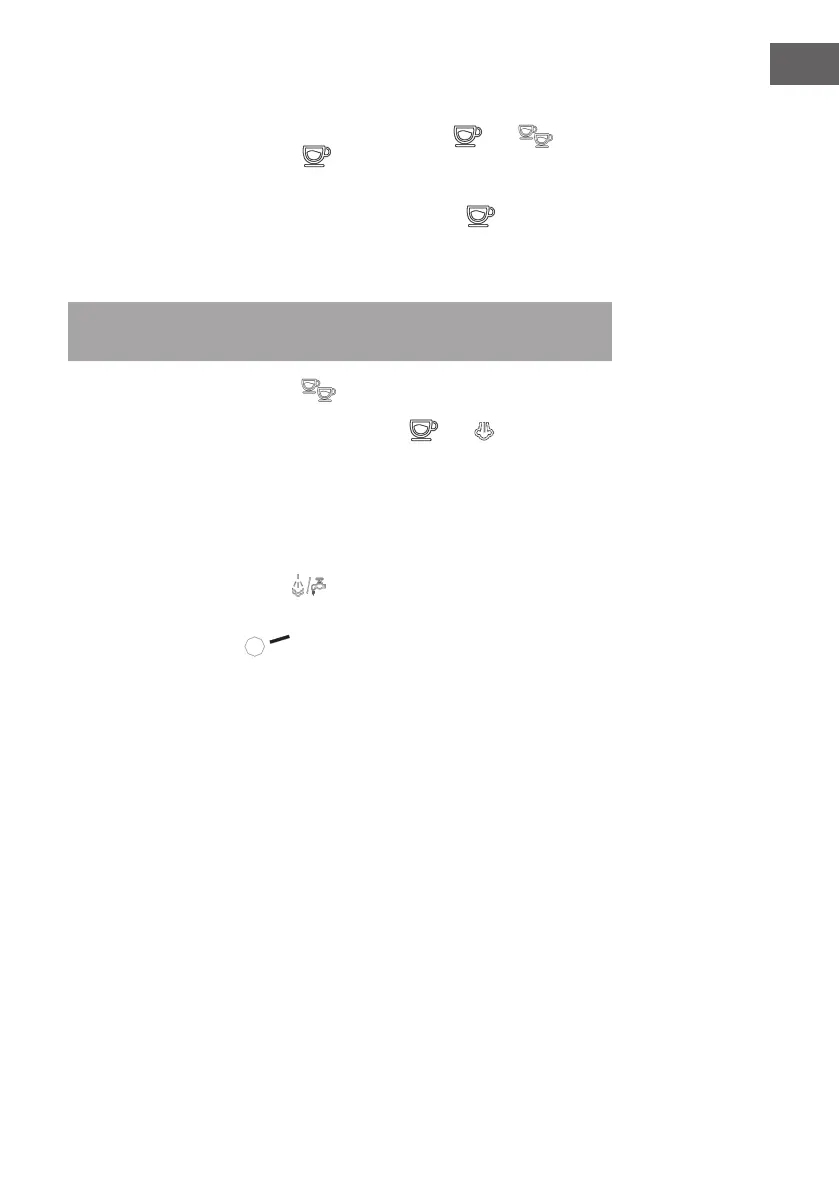
1. After the unit has heated up (once the indicator lights
and are
steadily lit), press and hold the
button. Coee then ows out of the
funnel. Release the button as soon as the desired amount of coee is reached.
The device will emit a sound, which means that the length of time you pressed
the button has been saved. The next time you press the
button, the
previously stored amount of coee will come out (the longest time is 60
seconds. If the button was previously pressed for more than 60 seconds, this
is invalid and the factory-set time will remain set)
Note: If the time period in which you pressed the button was too short, this
time will not be saved. The continuous ow volume should be more than 15 ml.
2. The reminder function for the
key works in the same way as described
in point 1.
3. To reset to factory settings, press and hold the
and buttons
simultaneously for 3 seconds. If the device then beeps once, this means that
the device has been reset to factory settings.
Cooling function
If you have previously used the steam function, the indicator lights for ‚one cup‘
and ‚two cups‘ will ash quickly because the temperature of the appliance is too
high. Turn the steam knob to the
position. The device will start pumping
water through the pipe. Water will continuously ow out of the steam line and the
device will cool down. When the indicator lights stop ashing rapidly, the steam
knob can be turned to the
position and the cooling process is complete. As
soon as the indicator lights for ‚one cup‘ and ‚two cups‘ are continuously lit again,
the device can again make coee.



 To Next Page