12
EN
USE AND OPERATION
• Unpacked all the packaging from the unit.
• Insert the plug into a 220-24V~50/ 60Hz electrical power supply outlet.
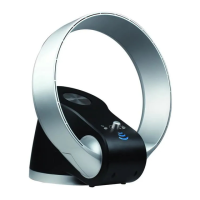
• Press the buttons on the Touch Sense Control Panel as below:
POWER
Turn the fan on by pressing the Power button, to turn off the fan just press the
button again.
SPEED
Adjust the fan speed to a desired level: HI, LOW. The default fan speed is HI.
TIMER
Press Timer button, to set up to 1 hour to 7 hours timer setting. The Blue Led indicator
light will show the time being pressed. The fan will automatically shut off when the timer
is over.
OSC
Press OSC button to turn on the oscillation function. Press again to turn off.



 To Next Page