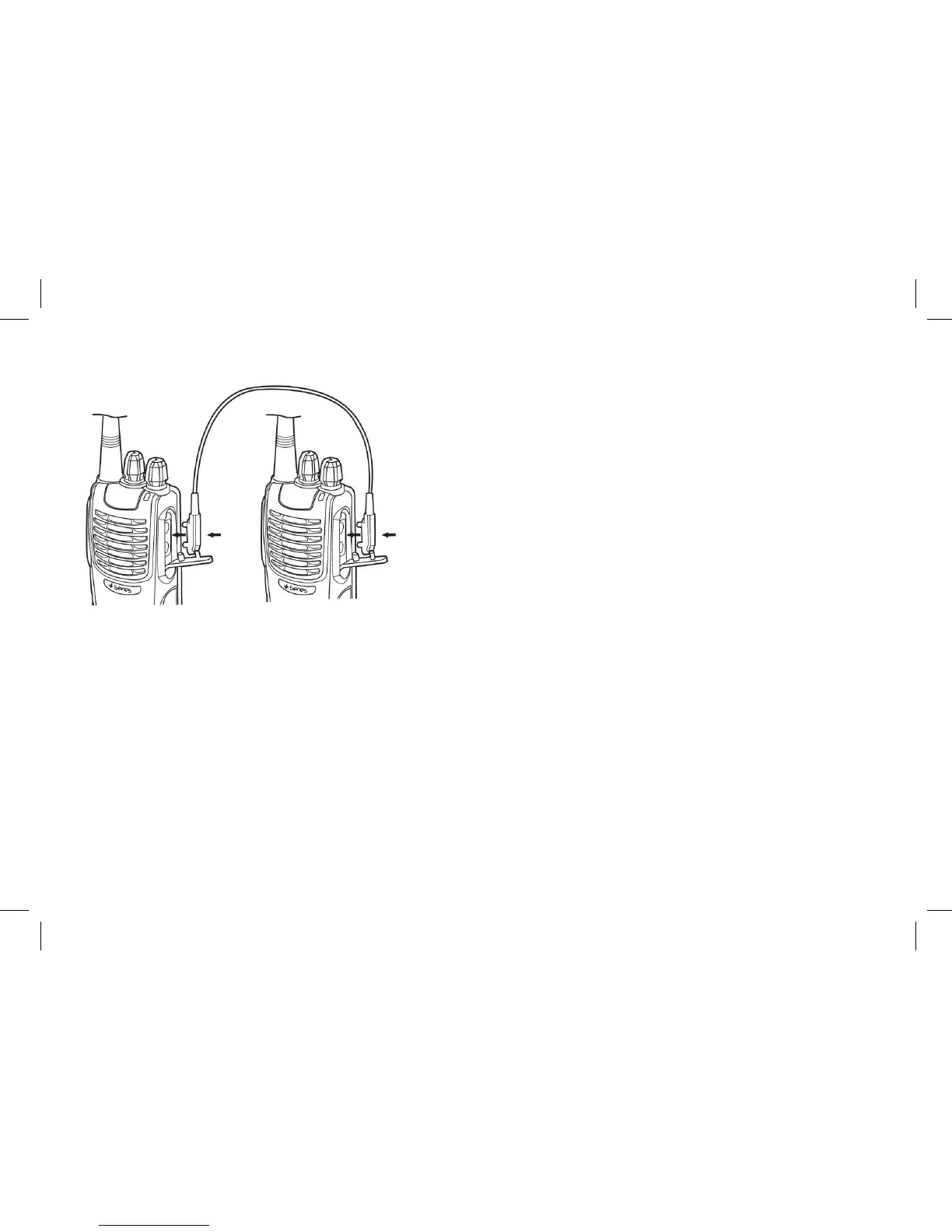
Wired Clone
1. Connect host radio and sub radio with Clone Cable. Make sure that the radios are turned off.
2. Press and hold programmed key on host radio, then turn on the host radio. The indicator ashes red twice, which
means the host radio is ready for cloning.
3. Turn on sub radio as usual.
4. Press PTT on host radio, and the indicator ashes green twice, which means the Clone function of sub radio has
been turned on. To turn off the Clone function of the sub radio, press PTT again and the indicator ashes red twice.
(If you skip Step 4, the Clone function of sub radio is OFF.)
5. Press programmed key on host radio, and the indicator ashes red. The cloning begins. The indicator goes out
when the cloning is nished. Otherwise, the indicator lights green if the cloning fails.
www.blackboxradios.com 13



 To Next Page