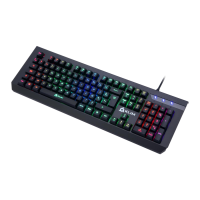
Need help?
Do you have a question about the KLIM Lightning Wireless and is the answer not in the manual?
Details on weight, dimensions, battery capacity, input, working current, charging time, and wireless distance.
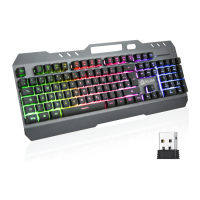
Instructions for initial setup, connecting the USB receiver and turning the keyboard on.
Guidance on how to charge the keyboard battery and information about the battery indicator light.
How to control keyboard backlighting using FN key combinations for on/off and brightness.
List of FN key combinations for media playback, shortcuts, and application launching.

 To Next Page
 General