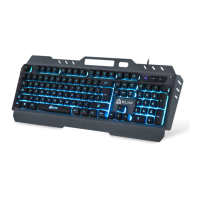
Need help?
Do you have a question about the KLIM DOMINATION and is the answer not in the manual?
Lists key features including Outemu blue switches, anti-ghosting, RGB lighting, and compatibility.
Details dimensions, weight, cable length, switches, actuation force, keystrokes, current, and voltage.
Controls keyboard lighting brightness, speed, and effect direction using FN key combinations.
Explains how to select various lighting effects like Neon, Reactive wave, and Wave modes.
Guide to customizing individual key colors, changing colors, and saving custom schemes.
Lists FN key shortcuts for media control, email, browser, and calculator functions.
Instructions to restore factory settings and deactivate the Windows key using FN key combinations.
Provides steps to fix the 'key chattering' issue by cleaning and adjusting the switch.

 To Next Page
 General