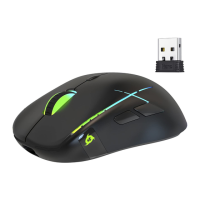
KLIM Skill Gaming Mouse User Manual www.klimtechs.com
0. INTRODUCTION
On behalf of the entire KLIM Team, thank you for purchasing our KLIM Skill gaming mouse.
We hope it meets your expectations and that you enjoy using this device.
Features
500-4000 DPI for maximum precision
7 customizable buttons
Adjustable lighting with DPI indicator bar
Anti-skid side texture
Thumbrest for improved comfort
Compatible with Windows, MacOS and PS4
I. PRODUCT DESCRIPTION
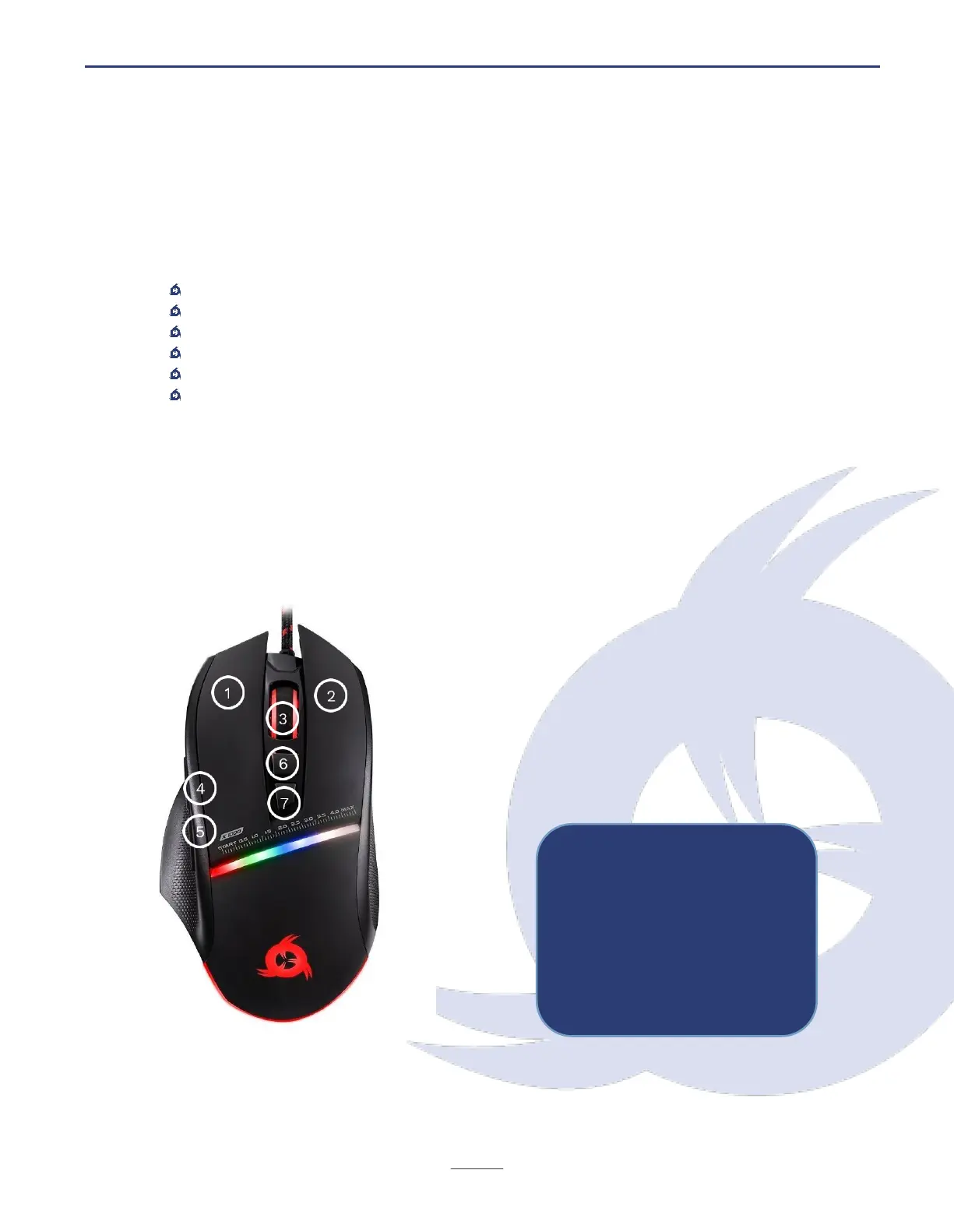
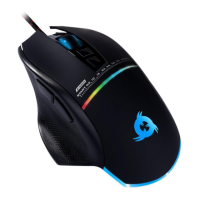
The KLIM Skill mouse has seven buttons and a scrolling wheel. Their default functions are
listed below:
1. Left click
2. Right click
3. Mid click & scroll wheel
4. Forward
5. Backward
6. DPI -
7. DPI +


 To Next Page