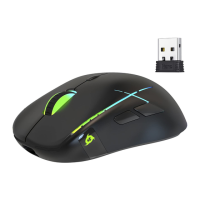
KLIM Skill Gaming Mouse User Manual www.klimtechs.com
III. USING THE DRIVER
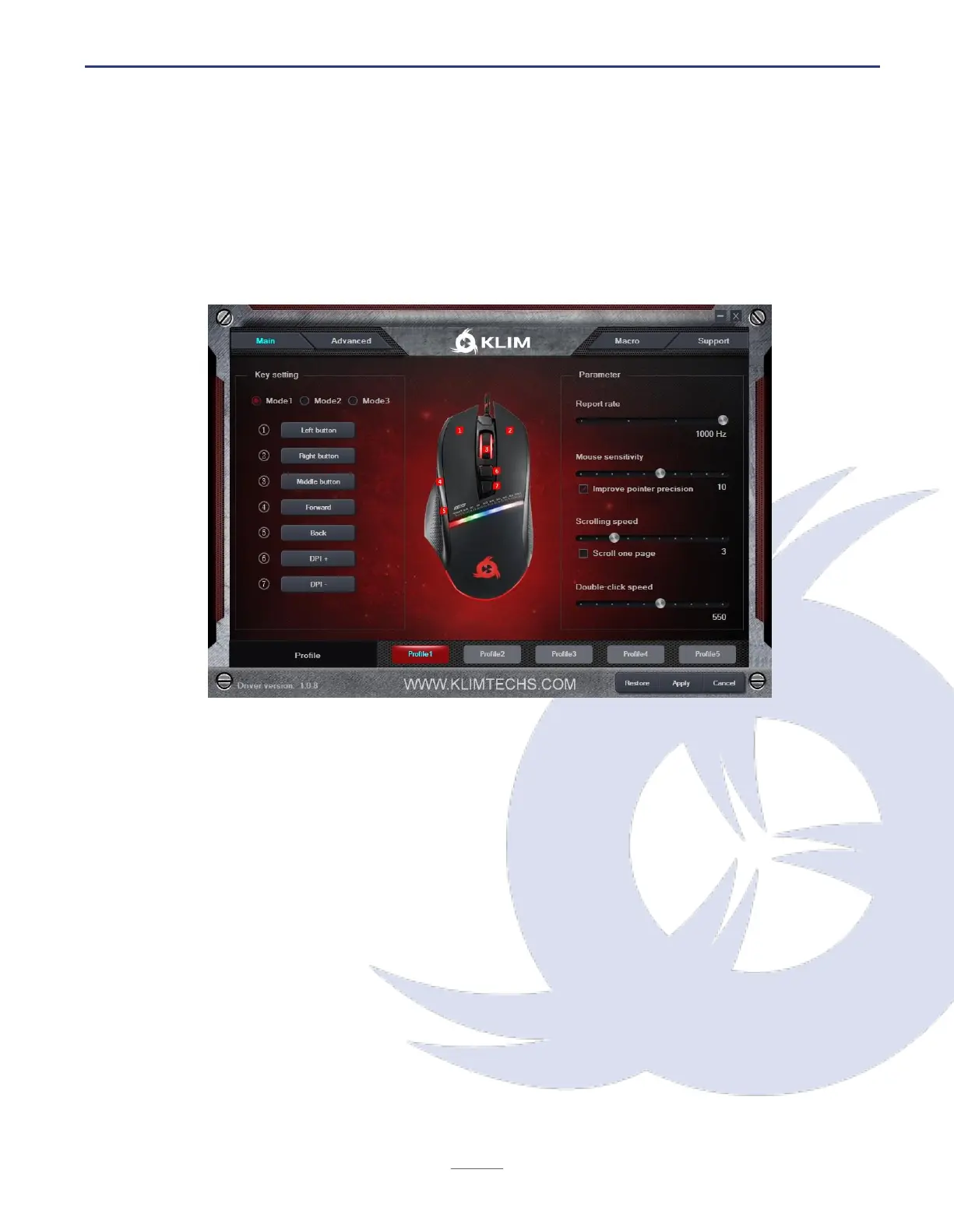
Main screen
Once you open the driver, it will show its main screen, which allows you to adjust the report
rate, mouse sensitivity, scrolling speed and double click speed. You can also assign new
functions or macros to the buttons by using the Key Setting pannel.
Button Settings
Click on the desired button on the left panel to customize and select a new function from
the dropdown menu.
Three different button settings (Modes 1-3) can be stored in each of the 5 available profiles,
located at the bottom of the screen.
Mouse Settings
The box on the right side of the screen lets you adjust the Report Rate, Mouse speed,
Scrolling speed and Double click speed.
For maximum accuracy we suggest disabling Improve Pointer Precision.
Once you are done customizing the buttons and mouse settings, click Apply.
To revert back to the original values, click Restore.


 To Next Page