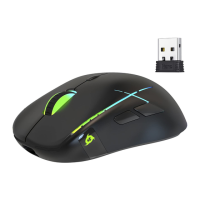
KLIM Skill Gaming Mouse User Manual www.klimtechs.com
Advanced screen
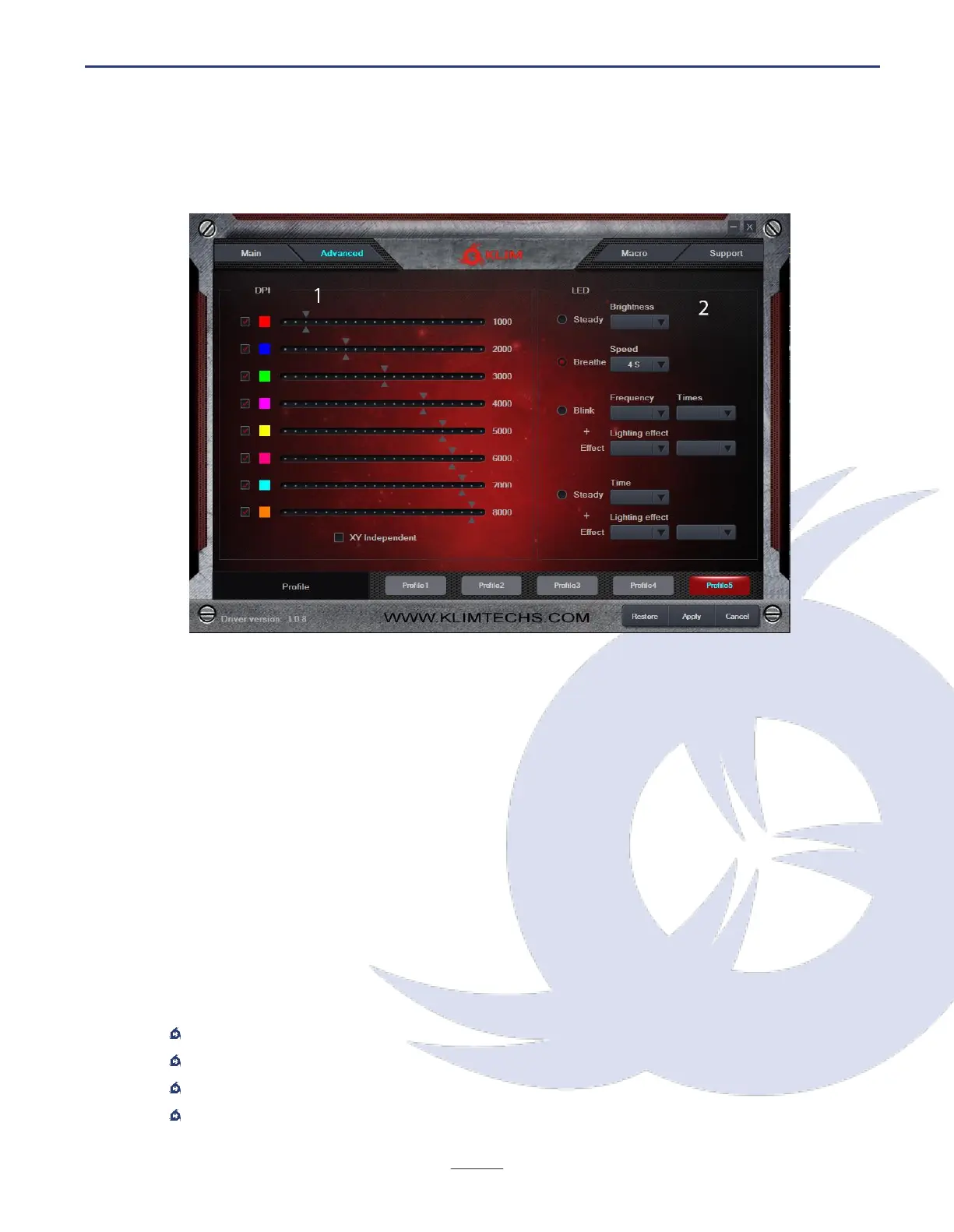
Click on the Advanced button at the top to access advanced functions
DPI Settings (1)
The KLIM Skill Gaming mouse has 8 different DPI levels, which you can change using the
DPI + and DPI - buttons (6-7). By default, there are 8 DPI levels. Use this screen to specify
the DPI for each one of the 8 levels. If you prefer to have less DPI levels, tick the checkbox
on the left so it switches only between the selected levels.
LED Settings (2)
Use the right panel to select the type of lighting and effect you want to use with your
mouse. You may select different modes and change their speed, frequency and brightness.
Breathing mode is selected by default. Depending on the selected mode, you may also
adjust the speed, timing and frequency of the effects.
Available color modes
Steady
Breathing
Blink + effect
Steady + effect


 To Next Page