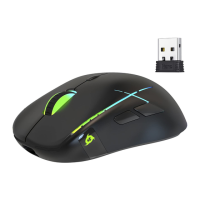
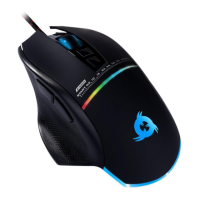
KLIM Skill Gaming Mouse User Manual www.klimtechs.com
II. INSTALLATION
Mouse installation
Simply plug the mouse to a USB port on a compatible device. The lights will turn on and
the mouse will be functional immediately.
In the event it does not light up or is not recognized by the system, please refer to the
Troubleshooting section at the end of this manual.
Driver installation
Our dedicated software for Windows lets you customize several aspects such as lighting,
button mapping, macros and more.
You can download it from our website: www.klimtechs.com/drivers
NOTE: if you receive a warning indicating that the program is potentially harmful, this is
due to Windows certifications. We are in the process of obtaining these
certifications. However, the driver remains perfectly safe to use.
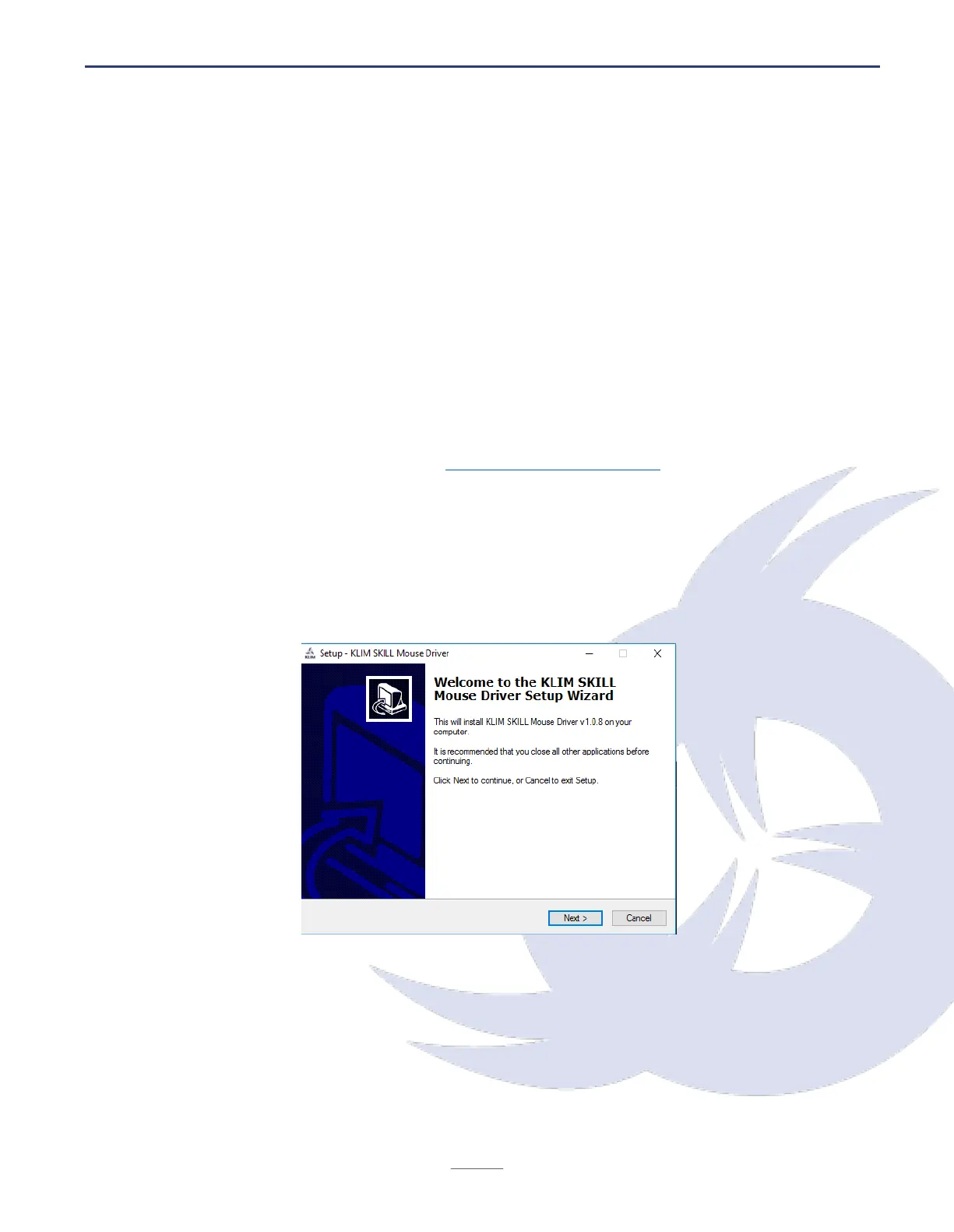
Once the driver has been downloaded you can use a decompressing tool such as WinRar to
extract it. Then, run the installer and follow the on-screen instructions:
Once the installation process is complete, the software should launch automatically. If it
does not, double click on KLIM Skill Mouse Driver.exe to open it.


 To Next Page