Note: If you do not use it for a long time, you would better
unplug the USB power cable.
After plugging the power cord and placing the PC Gaming
Soundbar , you can refer to the following steps to power
on/off the soundbar.
Power On/Off
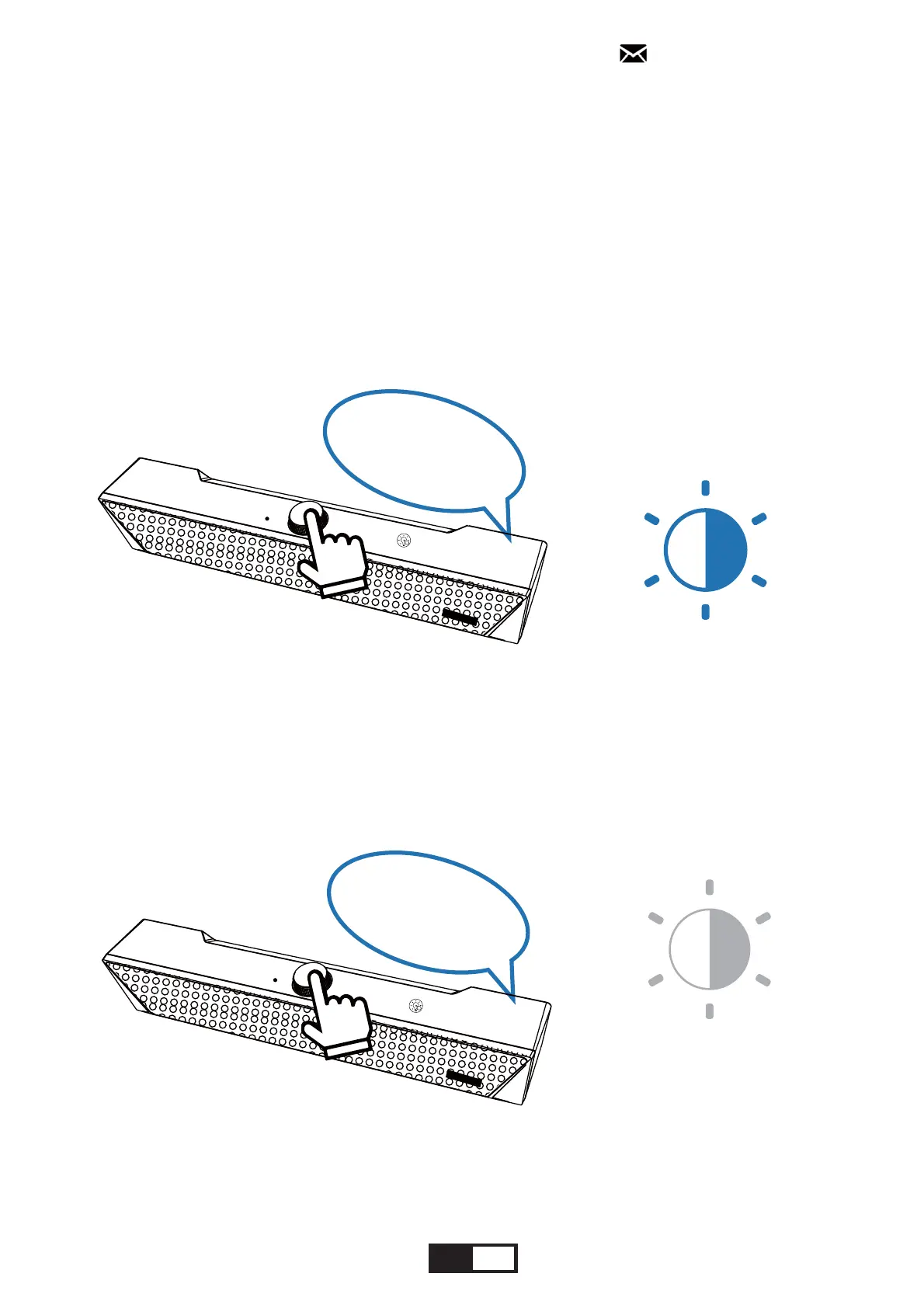
Power off: press and hold the Multi-Function Knob for
2 seconds to power off the soundbar, then a voice prompt
will be heard and the knob indicator light will go off.
goes off
voice
prompt
2 seconds
135;1
Power on: short press the Multi-Function Knob to
power on the soundbar, then a voice prompt will be
heard, the knob indicator light will flash.
flashing
voice
prompt
135;1
EN 10
support@kmouk.com


 To Next Page