6
OPENING
PROCEDURES
11
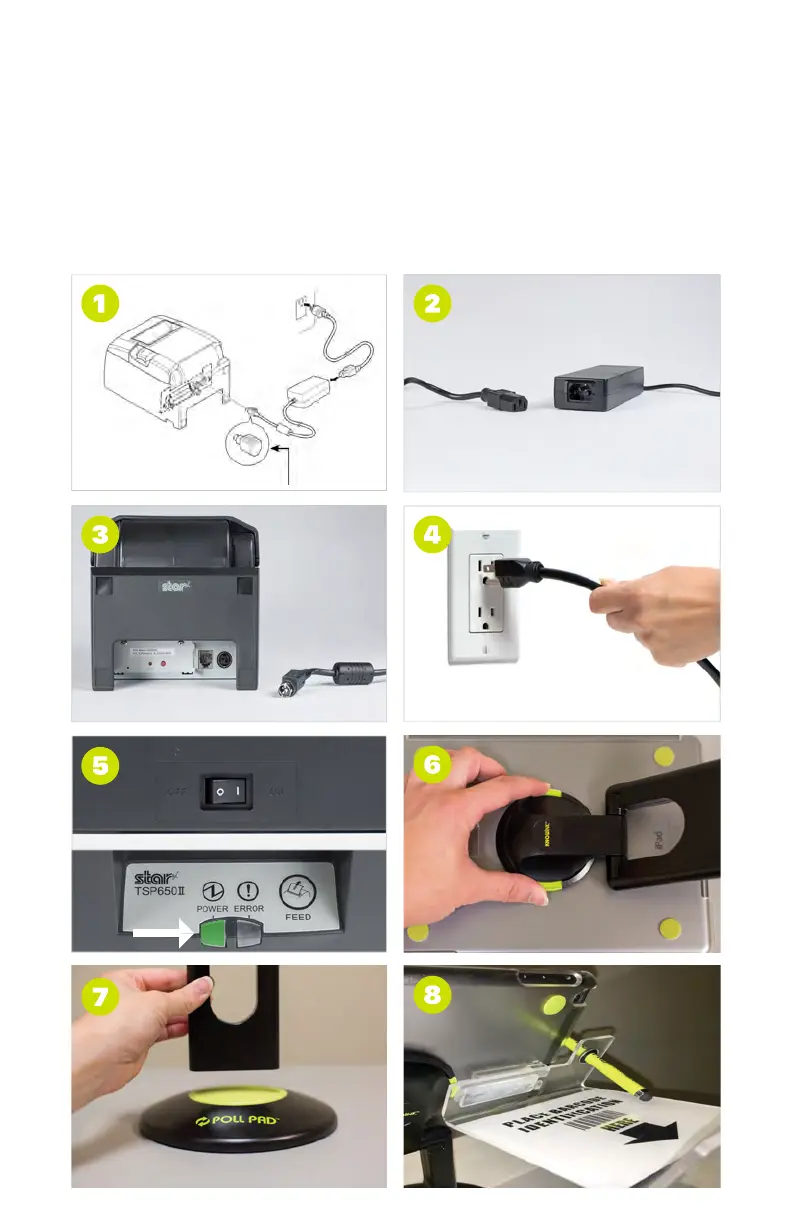
➊ POWER OFF & UNPLUG PRINTER
Power off the printer and unplug from outlet, disconnect printer cable
from transformer box and printer. NOTE: Keep Poll Pad powered ON
➋ FOLD STAND ARM
After disconnecting hardware from the iPad, place components back in
carrying case. Once the stand arm has been removed from the iPad and
battery base, fold the stand arm backwards to fit in the case.
NOTE: Keep Poll Pad powered ON
➌ POWER OFF IPAD
Turn off iPad by holding the power button and the home button
(pictured) simultaneously until the screen goes black. Place iPad in the
carrying case.
CLOSING
PROCEDURES



 To Next Page