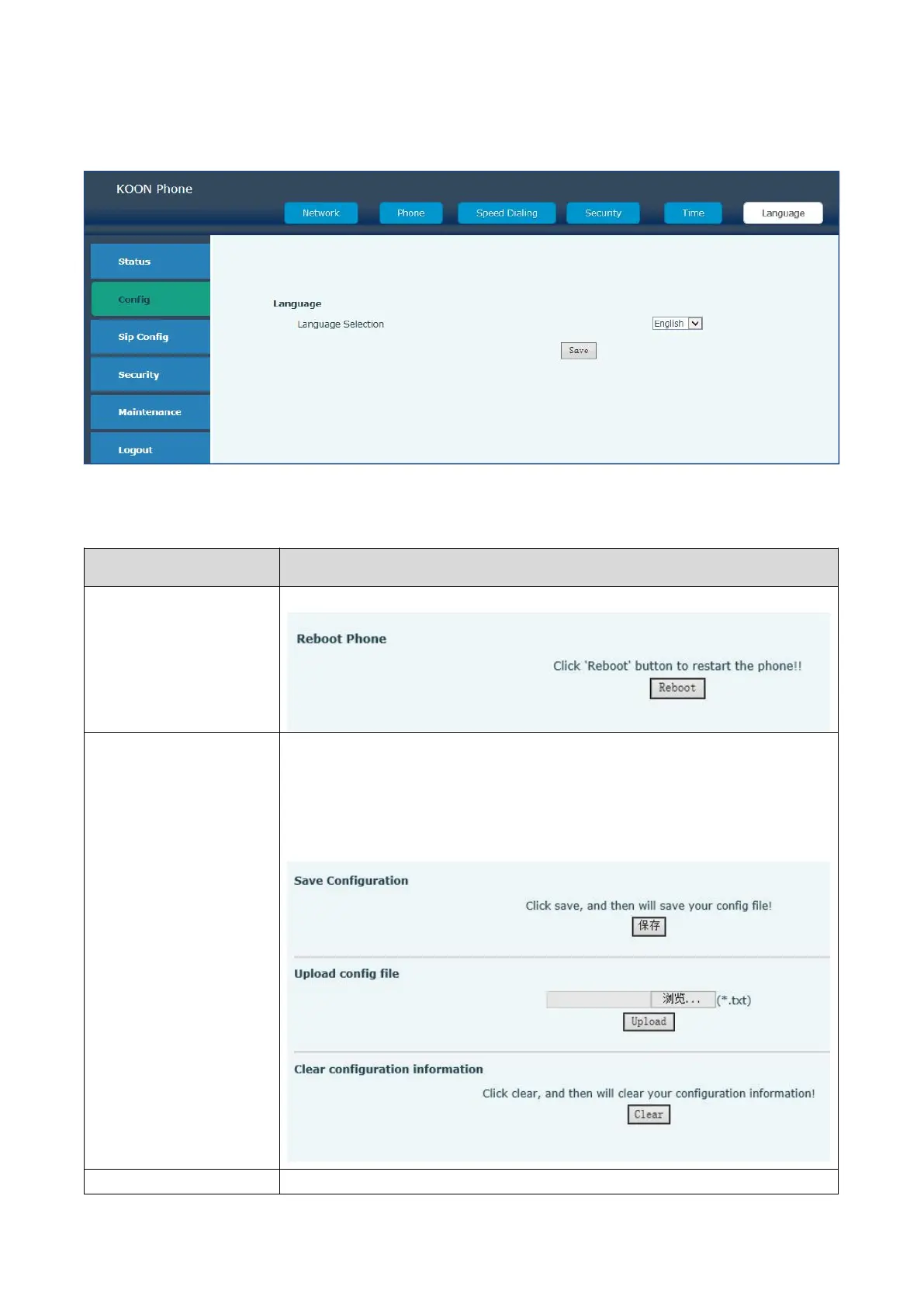
4.2.3.5 Language
Change the system language in Chinese or English
4.2.4 Maintenance
If the configuration finished, click “the reboot” on the phone to restart the phone.
If you save the above setting, click 'Reboot' button to restart the phone.
1.Click save, and then will save your config file. File format is .txt or .xml
2. Upload the config file: click view to find the config files and download it
3.Click clear and then will clear your configuration information. Or you can
press 9*9*100# on the keyboard. The default IP address is
192.168.100.155.
Select a file to update the system(You can get the file from original factory)



 To Next Page