※
If you didn’t save the setting, the system would the configuration last time when powered on next time.
After changing the parameter, click
【
MANINTENANCE
】
→
【
CONFIG
】
→
【
SAVE
】
, the configuration
will be saved and take effect soon.
Before the below steps, please register the phone on your server. The solution
【
SIP CONFIG
】→
INPUT THE SERVER INFORMATION
4.2 WEB Configuration
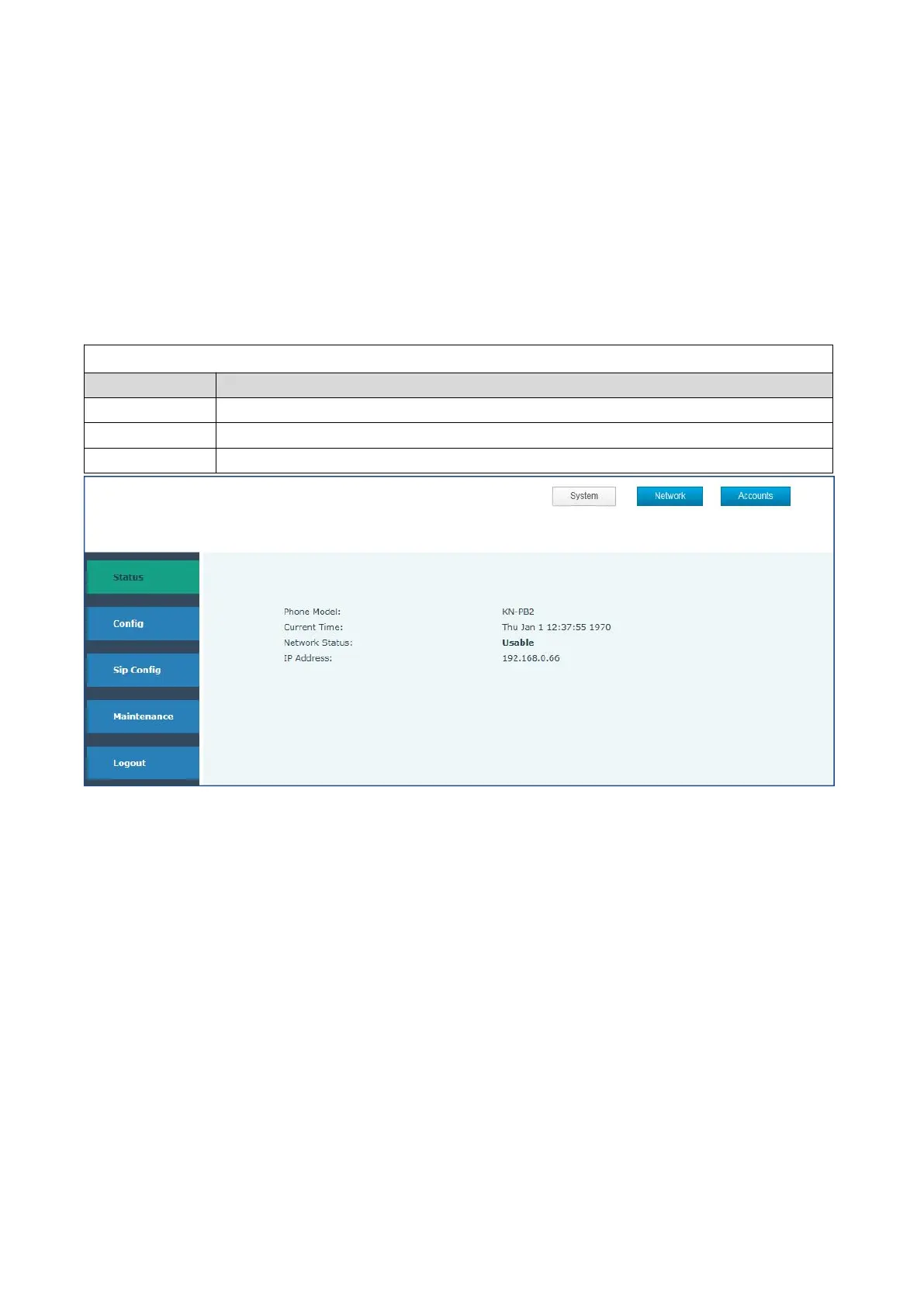
4.2.1 Status
Shows the model number, and current time, status and IP address
Shows the status of connection and other information
Shows the status of registration
4.2.2 SIP config
Get your SIP account from your server
Fill the IP address, port,account name, password and number as below.



 To Next Page