PAGE 8 of 8
Need Help?
www.kobo.com/help
help@kobo.com
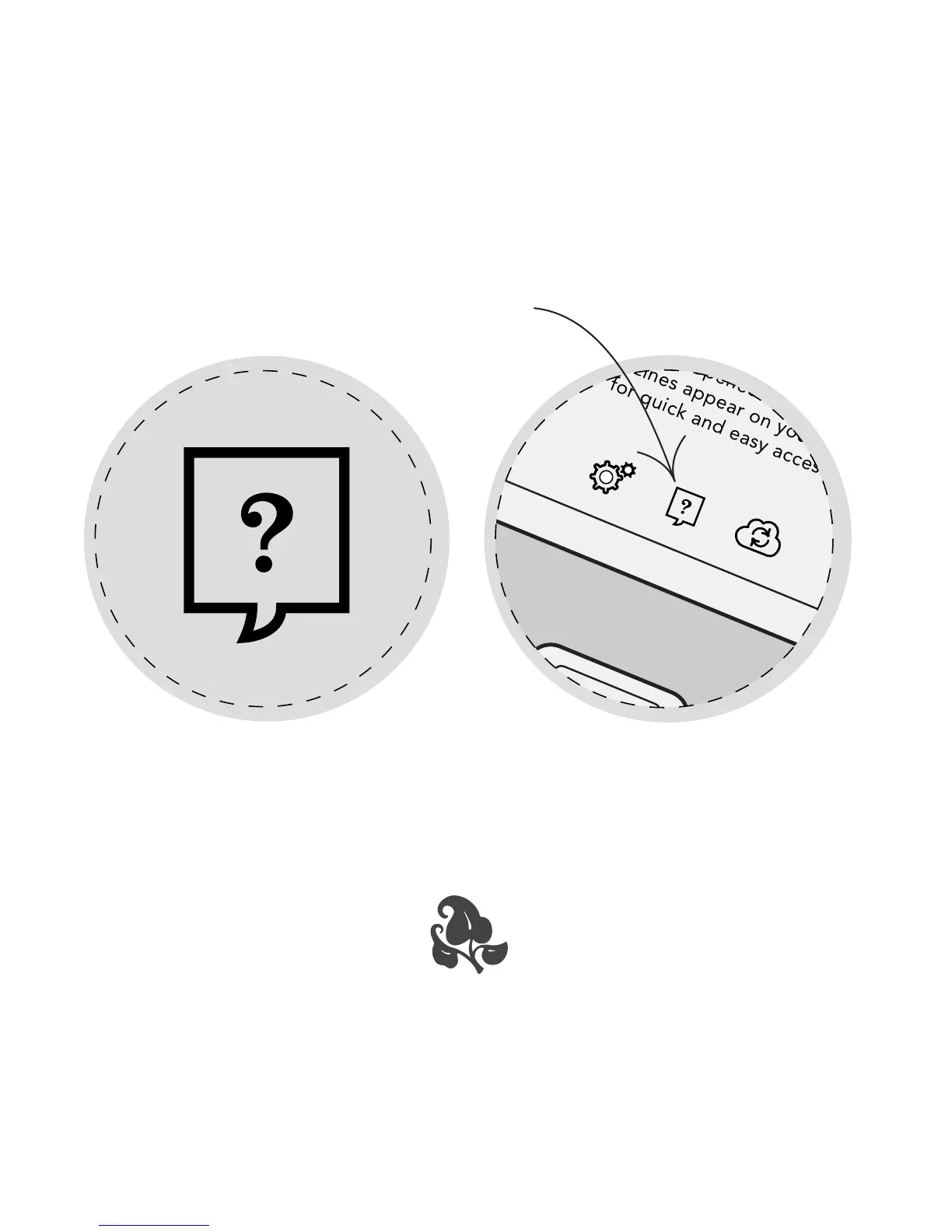
On the Home Page, tap the Help icon to access
comprehensive user guides.
Thank you!
We hope you enjoy reading on your Kobo Touch.
Press the slver button to return Home.
Get Started
Newly added or opened books, newspapers
and magazines appear on your homepage
for quick and easy access.
Learn More



 To Previous Page