EasyManua.ls Logo

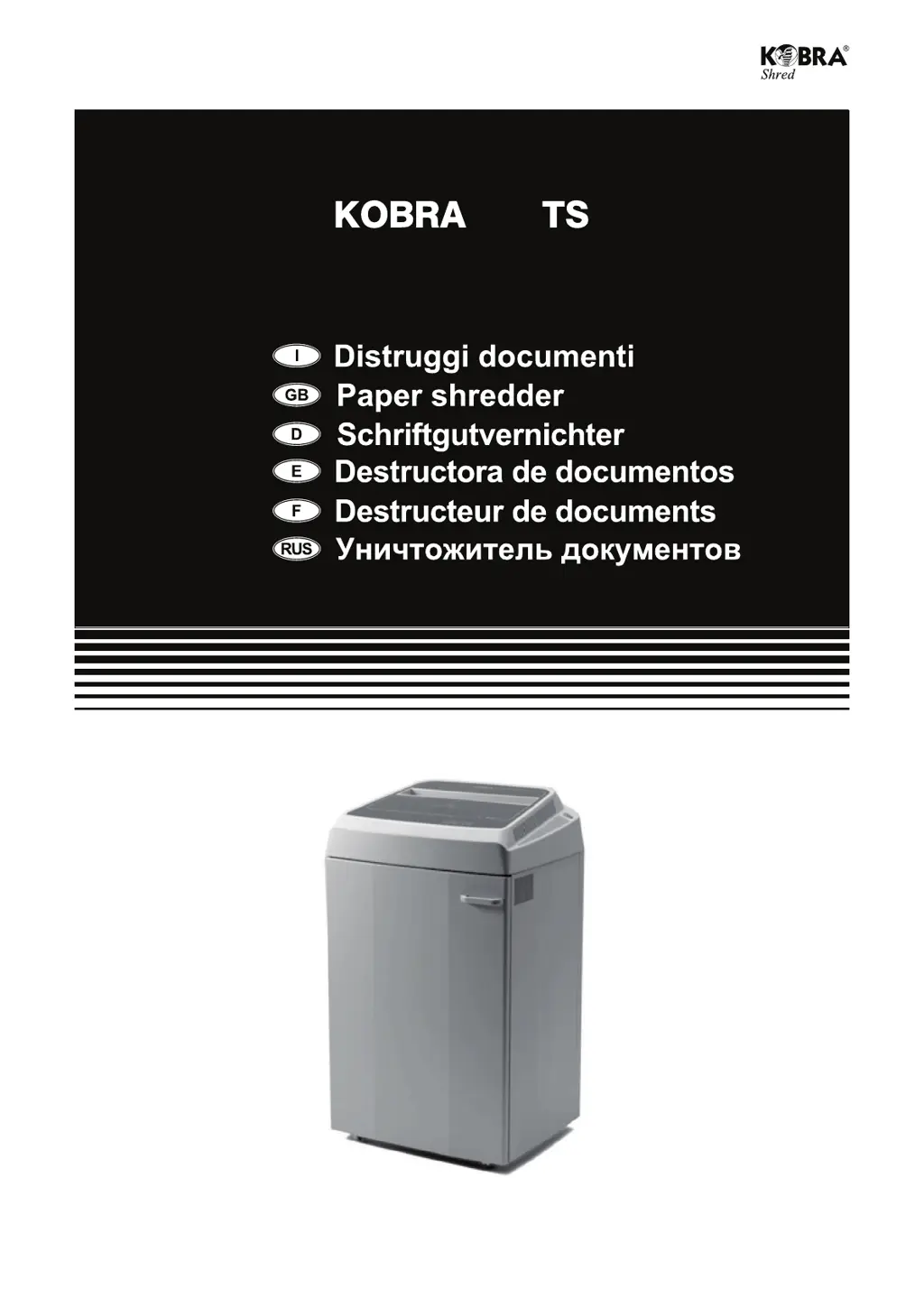
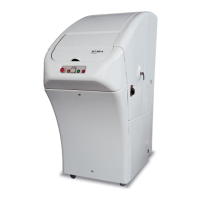
Kobra 410TS - User Manual

Kobra 410TS
22 pages
Go to English
Print Icon
To Next Page IconTo Next Page
Loading...
410
KOBRA 410TS

Questions and Answers

  • J
    Jacqueline BrownAug 5, 2025
    Why is the cutting capacity of my Kobra 410TS Paper Shredder significantly reduced?
    • L
      longdanielAug 5, 2025
      A significant reduction in your Kobra Paper Shredder's cutting capacity indicates that the cutting blades require lubrication. Replace the empty oil container with a full one.
  • B
    Brenda GregoryAug 14, 2025
    What to do if my Kobra 410TS Paper Shredder does not come on?
    • S
      shannon70Aug 14, 2025
      If your Kobra Paper Shredder isn't turning on, here are a few things to check: * Ensure the power switch is in the ON position. * Verify the power cable is securely connected. * Confirm that the power outlet is working. * Make sure the door is completely closed. * Empty the bag if it's full. * If the motor is in heat protection mode, wait 15 minutes for it to cool down.
  • D
    deanna69Aug 25, 2025
    What to do if my Kobra Paper Shredder never stops?
    • W
      William OrozcoAug 25, 2025
      If your Kobra Paper Shredder never stops, there might be material or dirt deposited on the electronic eyes or between them. Remove any deposits to free the electronic eyes.

Summary

Important Warnings and Safety Precautions

General Warnings and Unplugging Cases

Covers general warnings before use, conditions requiring unplugging, and operational voltage guidelines.

Specific Safety Precautions

Details specific safety measures including consulting the manual and avoiding hazards like ties and long hair.

Features and Installation

Shredder Installation Process

Step-by-step guide for setting up the shredder, including unpacking and fitting collection bags.

Touch Screen Control Functions

Explains how to use the touch screen controls like Forward, Stop, Reverse, and the Oil indicator.

Shredding Single Sheets Guide

Details the shredding process for single sheets, including sensors, load meter, and jam handling.

Basic Shredder Operation

Covers turning the shredder on, standby mode, and automatic power-off features.

Automatic Oiler System

Oiler Installation and Operation

Instructions for installing and operating the automatic oiler system for lubricating cutting knives.

Replacing the Oil Container

Procedure for replacing the oil container, including warnings about initial indicator behavior.

Fire Hazard Warning

Important safety warning against using specific types of oils or lubricants.

Accessories and Automatic Functions

Shredding Optical Media

Details on shredding CDs, DVDs, and credit cards, including the special collection container.

Key Automatic Functions Explained

Description of essential functions like electronic eyes, auto stop, motor saver, auto return, and energy smart.

Care and Maintenance Guidelines

Recommendations for periodic checks, especially oil levels, to ensure optimal performance.

Shred Guard System

Shred Guard Operation and Benefits

Explains the metal detection system, how it stops the shredder, and protects cutting blades.

Shred Guard System Warning

Information regarding the system's self-test period and initial indicator behavior.

Troubleshooting Common Issues

Shredder Not Turning On

Addresses causes and solutions for the shredder failing to power on, including indicator checks.

Shredder Not Stopping or Capacity Issues

Covers problems like the shredder failing to stop and significant reductions in cutting capacity.

Kobra 410TS Specifications

General IconGeneral
BrandKobra
Model410TS
CategoryPaper Shredder
LanguageEnglish

Related product manuals